

 Français
 Español
 Português (Brasil)
 한국어
 日本語
 Italiano
 Türkçe
 简体中文
Lip augmentation and lip lift simulation
Add volume to the vermilion, define the Cupid's bow or simulate a lip lift, in a few clicks. Patients see the size you have in mind before the first syringe.
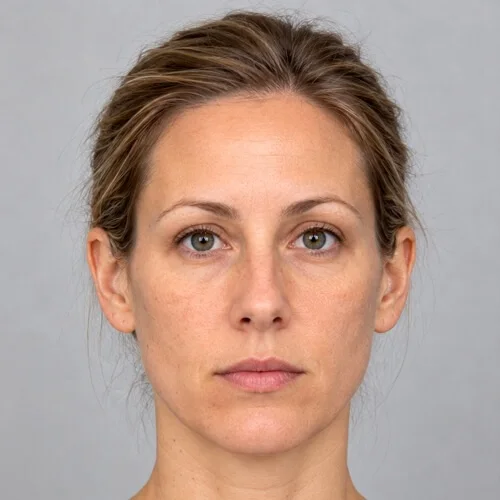
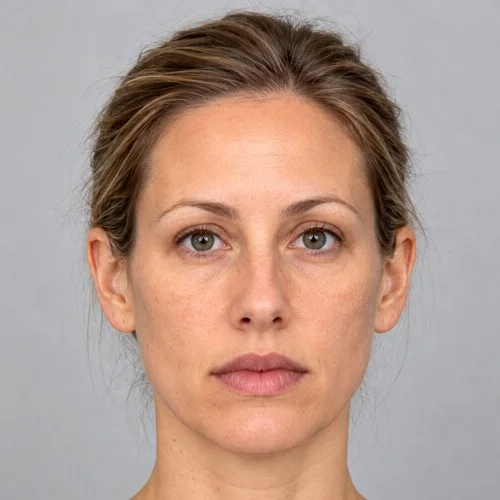
Lip augmentation simulated with the Grow, Push brushes. Drag to compare.
Lip augmentation in three steps
Add volume with Grow
Choose a brush slightly larger than the lip and click: each click adds a small, even step of volume. Stop exactly when it looks right.
Shape the contour with Push
Place the brush centre on the vermilion border and drag to define the Cupid's bow, evert the upper lip or lift the corners.
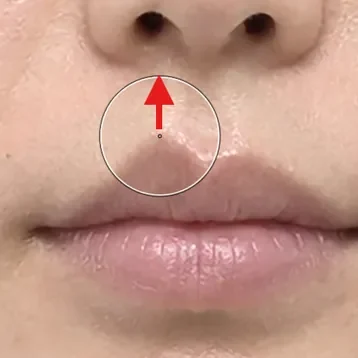
Simulate a lip lift
With the brush centre on the upper lip contour, drag upward toward the nose to shorten the philtrum.
Tips from practice
- Show a conservative and a fuller version side by side to calibrate expectations.
- Animate is particularly convincing for lips: the patient sees the change happen.
- Use Comparison to show original and simulation side by side, and Animate to morph between them.
Unlimited, on your computer
Reshaping tools run locally, offline if you like, with no per-image fee. The patient's photo never leaves your computer, and the original is never modified.
- Undo, Redo and the Reconstruct brush to correct any area
- Save, print or share with your practice watermark
- Export the before-and-after morph as an MP4 video
Lip augmentation simulation: questions
Can I show different filler volumes?
Yes. Grow adds volume in small steps, so you can save a conservative version, keep working, and save a fuller one for comparison.
Does reshaping change the patient's skin texture?
Reshaping moves the photograph's own skin instead of painting new skin, so pores, freckles, lighting and skin texture stay those of the patient. The original photograph is never modified: it stays one click away in the Original and Comparison tabs.
Often discussed together
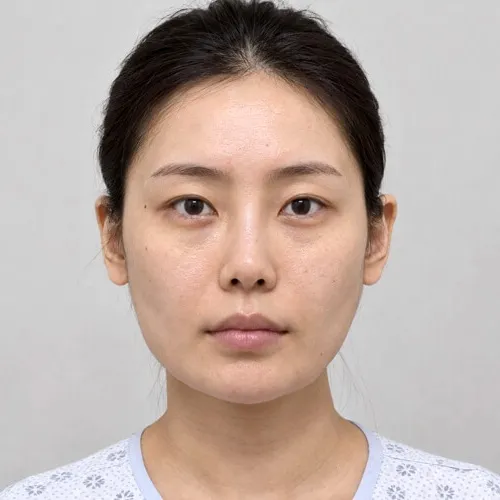 Before Simulation
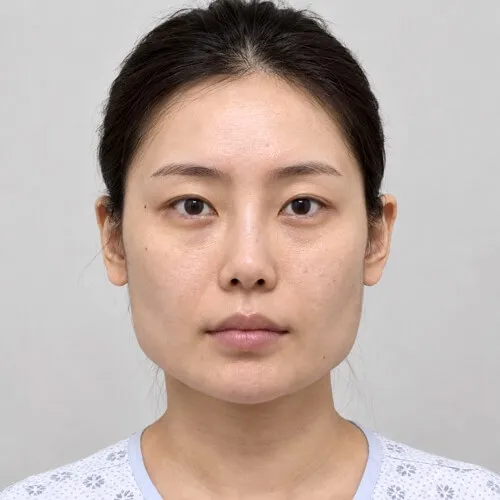
Jaw reduction
Jaw angle reduction for a softer facial contour.
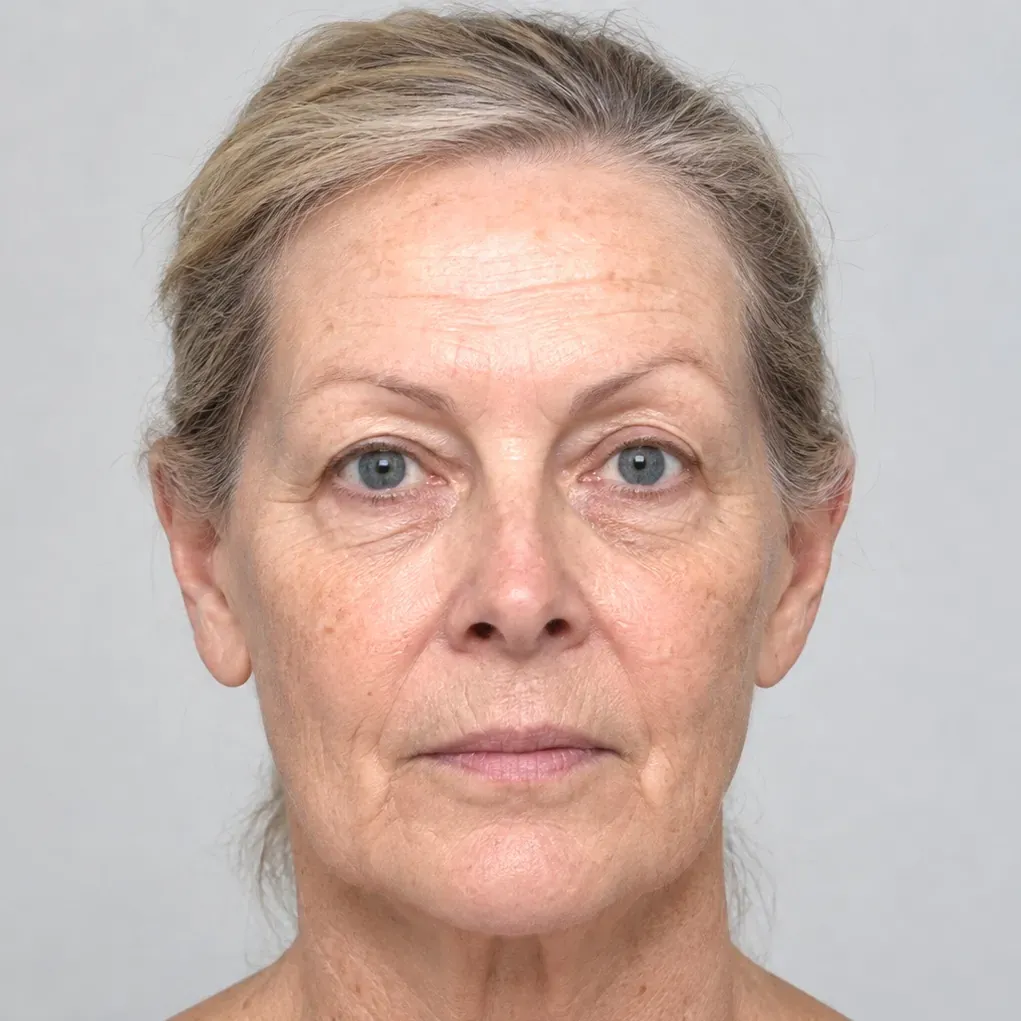
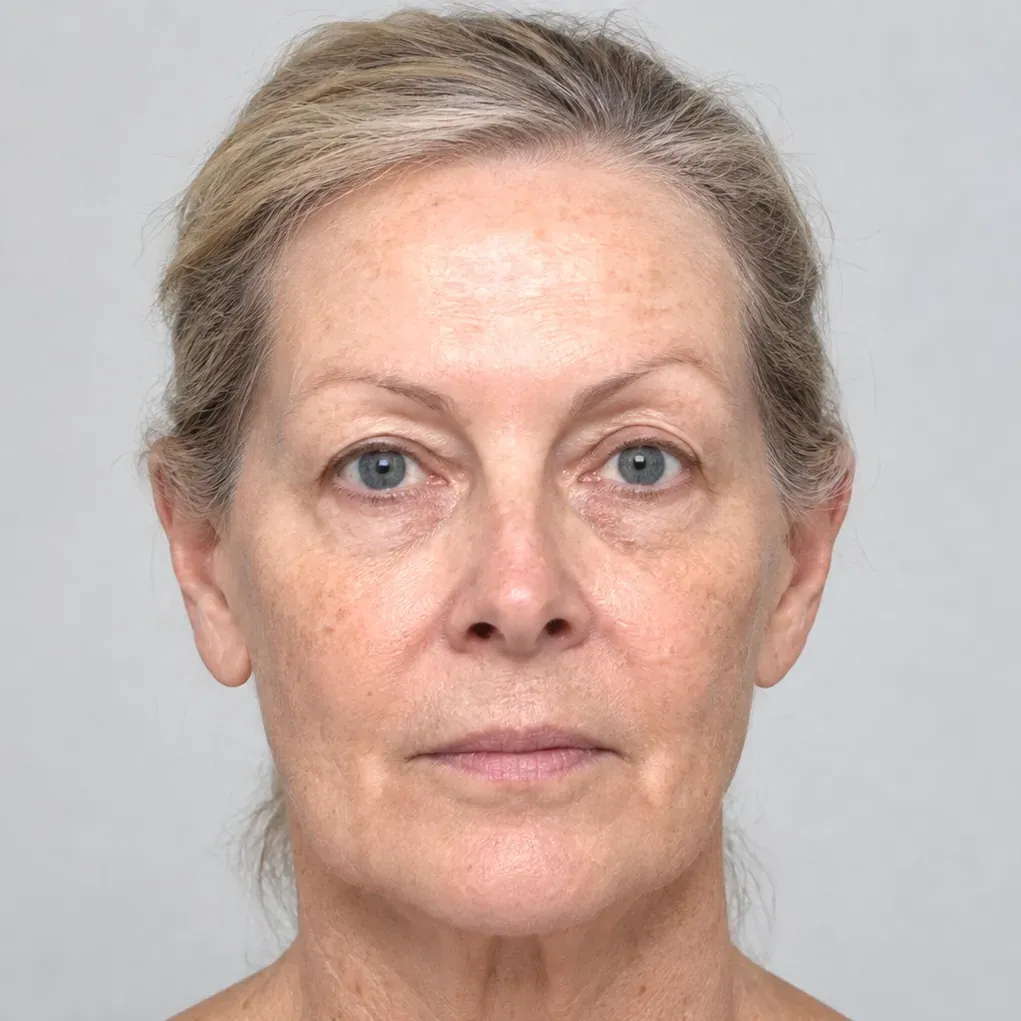 Before Simulation
Wrinkles
Wrinkles, moles and scars removed with Spot healing.
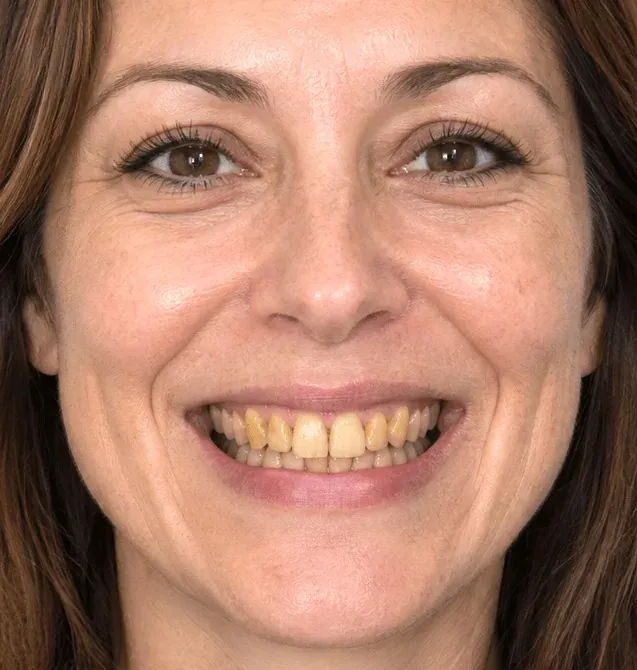
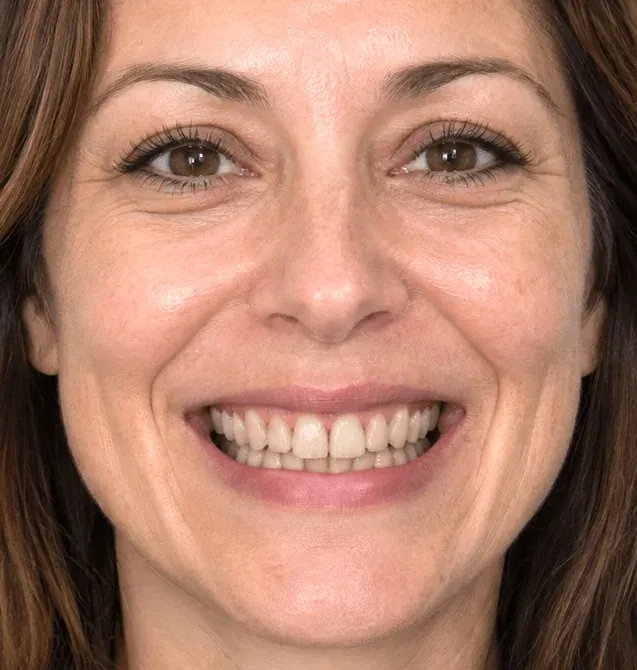 Before Simulation
Smile
Whitening and veneers with a natural shape.
Simulations are illustrations made to support a consultation. They are not a prediction or guarantee of a surgical result, which depends on anatomy, technique and healing.
Simulate lip augmentation on your own patient photos.
Download the complete software and simulate for seven days. No account, no credit card, nothing to cancel. Buy a key from the app or here when you are ready.