

 Français
  Español
  Português (Brasil)
  한국어
한국어  日本語
日本語  Italiano
  Türkçe
  简体中文
简体中文 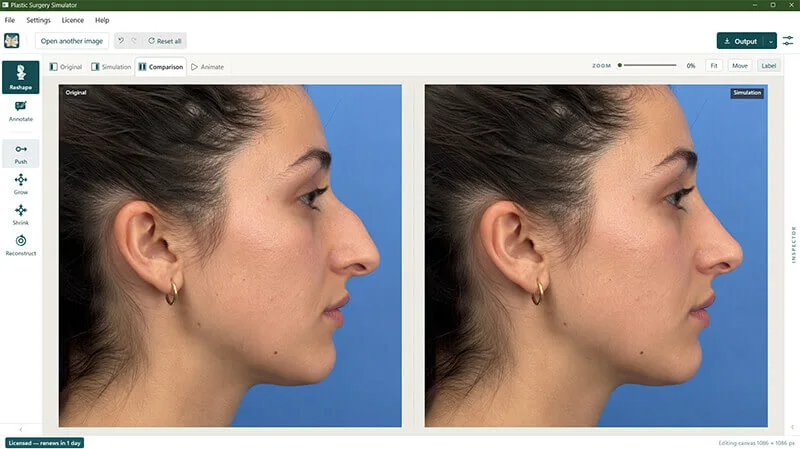
Original, Simulation, Comparison, Animate.
One image, four ways to look at it — and one click between them. We introduced the simultaneous original/simulation comparison in 2004; it keeps the whole consultation in a single window — reshape, verify against the original, simulation, and export without ever leaving your workflow.
Try it yourself — click the tabs below to switch views, exactly as you would in the app.
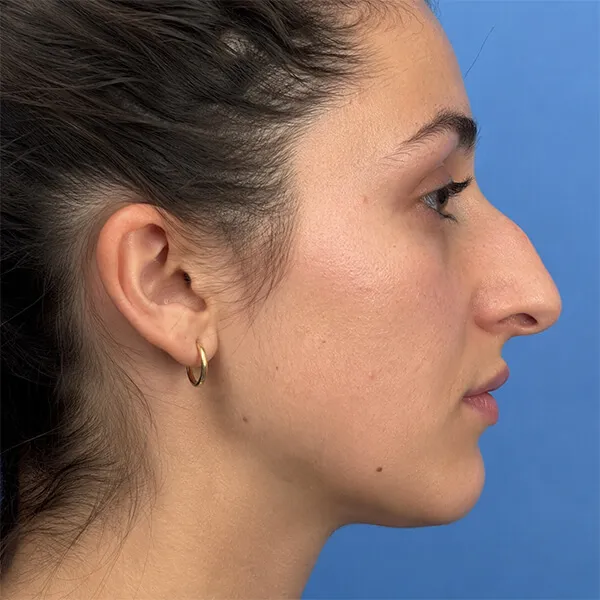 Original
Original — the untouched photograph, always one click away and never overwritten.
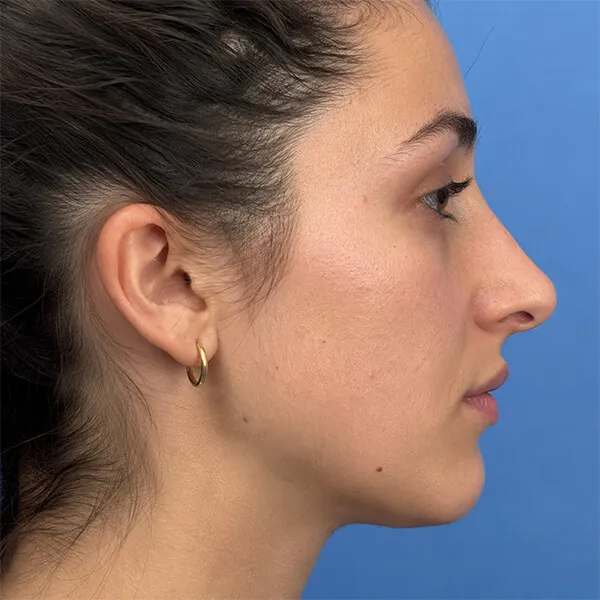 Simulation
Simulation — the work area. Reshape, reconstruct and annotate here; the original is preserved.
OriginalSimulationComparison — original and simulation side by side on the same screen, with synchronised zoom and scroll, so both panes stay in perfect register. The optimal way to judge how far the simulation has moved from the original.
Animate — morph, savable as video Animate — a morphing transition between original and simulation, playable in consultation and savable as a video file.
Toolset
Stretch, grow or shrink any area of the photo to build a photo-realistic simulation in seconds — the tools are direct enough that most edits take only a few strokes.
Push
Slowly move your mouse on the image part that you want to push / drag.
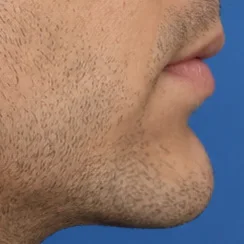
Grow
Click repeatedly on the image part that you want to grow.
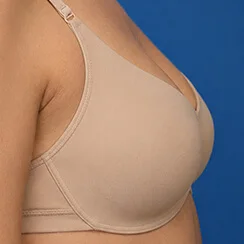
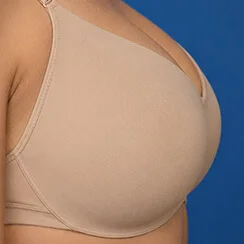
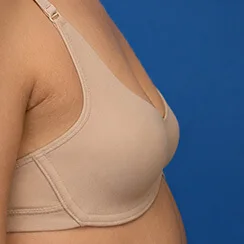
Shrink
Click repeatedly on the image part that you want to shrink.
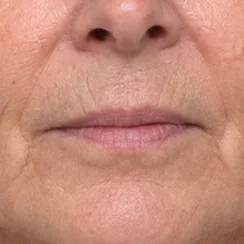
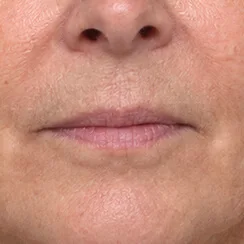
Reconstruct brush
Brush over a changed area to return it progressively toward the original, without resetting the rest of the simulation.
Draw & Text
Shapes, freehand lines and text directly on the image, for consent files and operative notes.
Rhinoplasty
Dorsal reduction and tip refinement, brushed in a few strokes with Push.
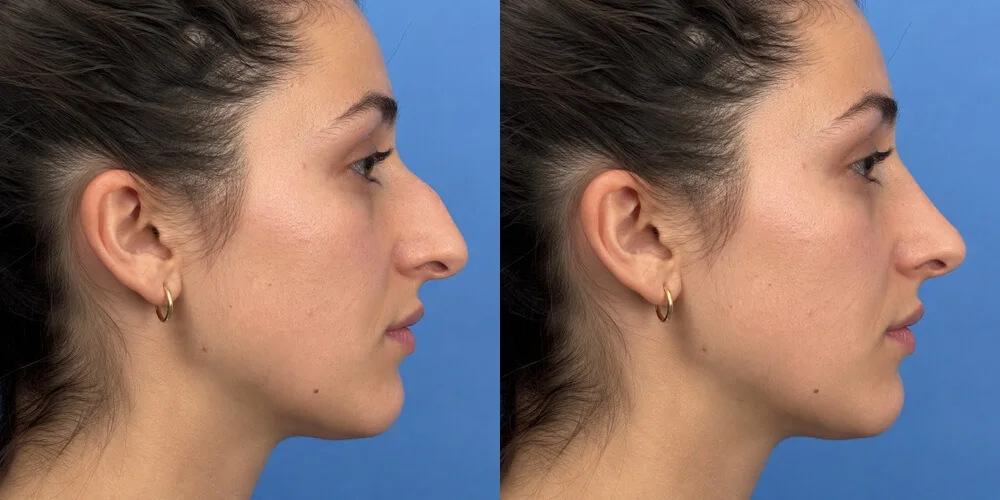
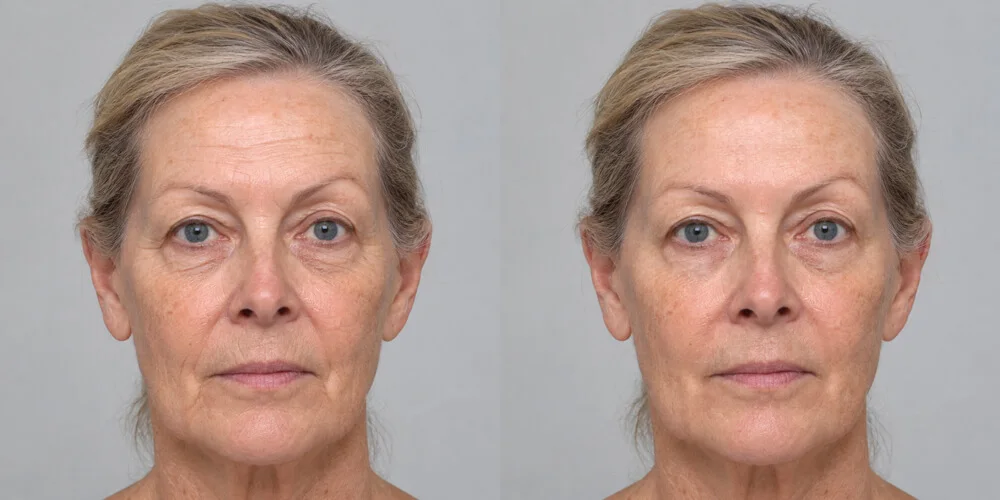
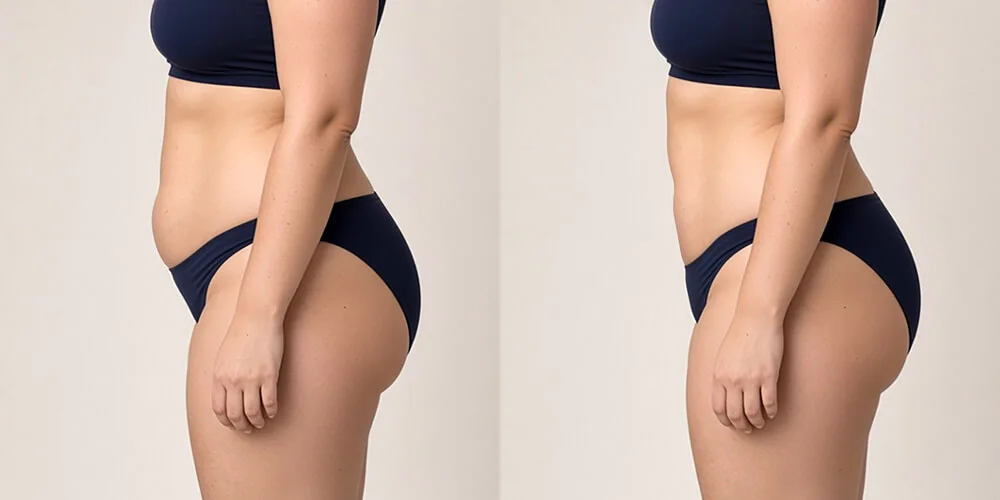
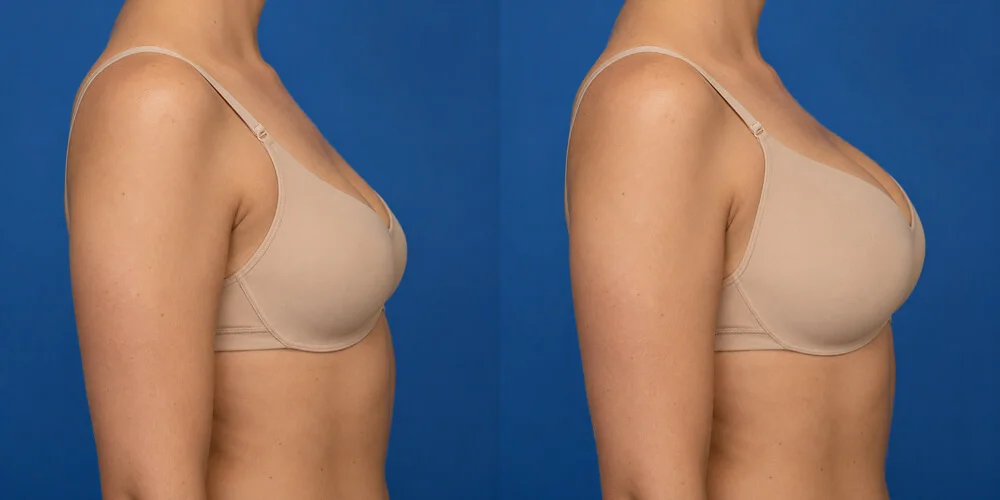
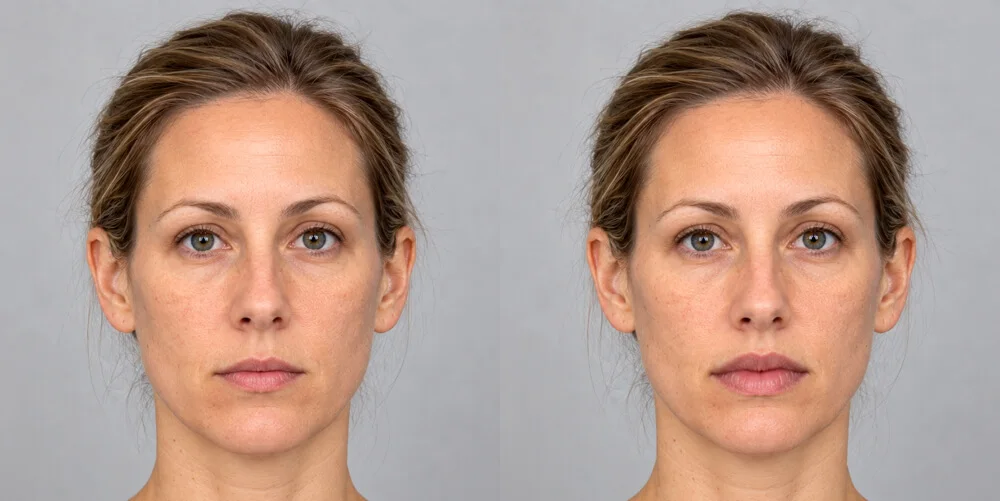
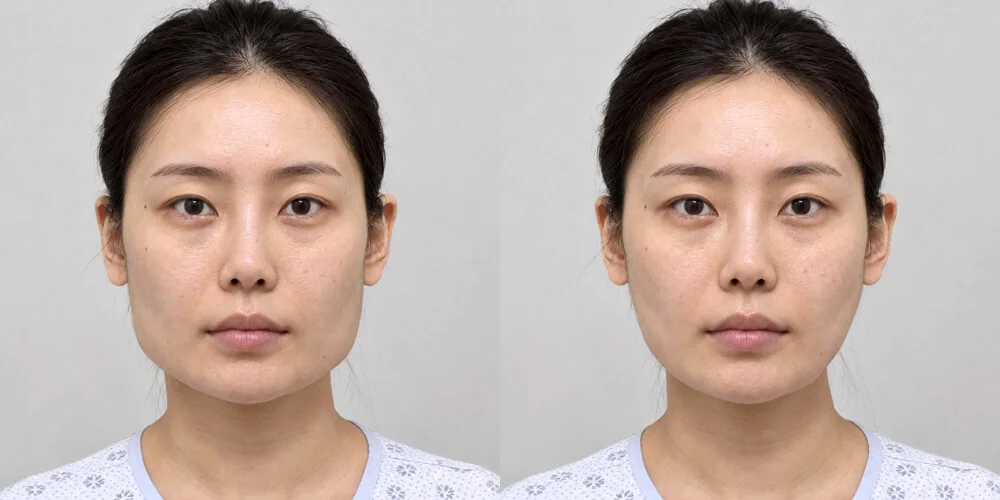
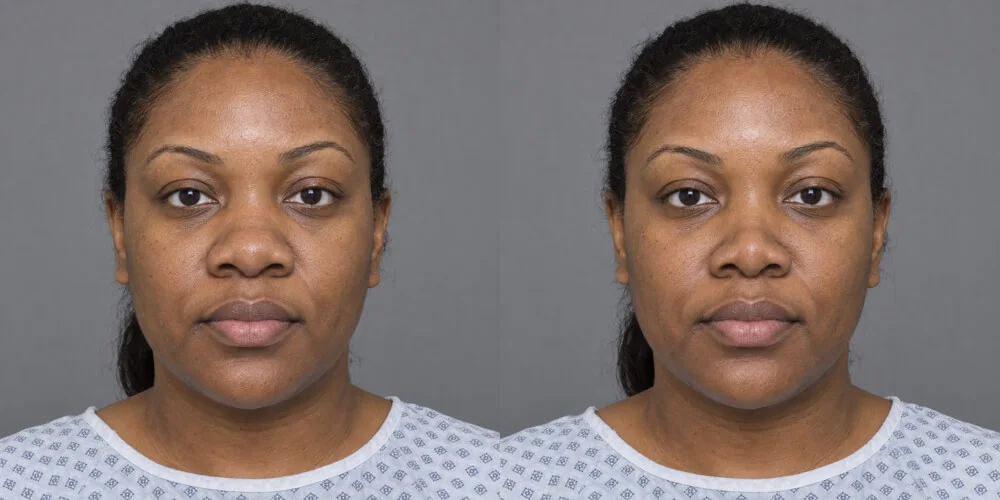
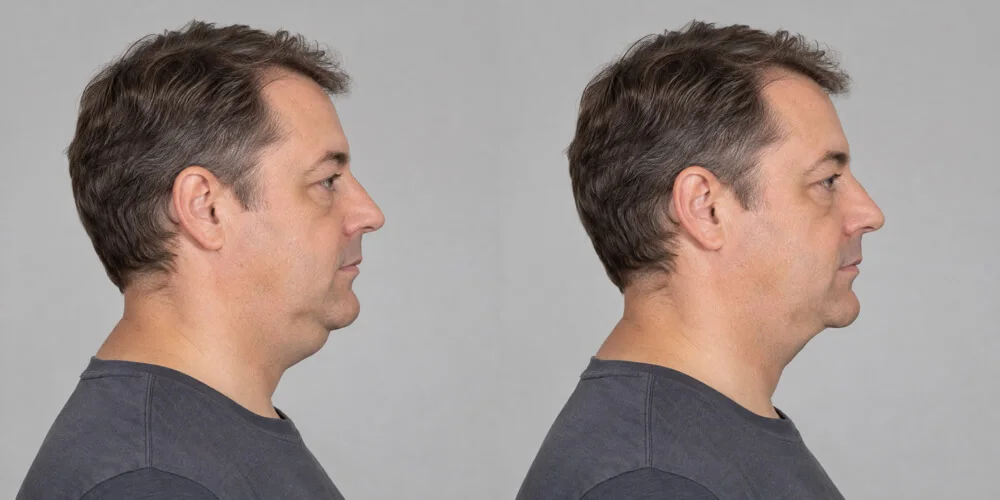
Also: chin augmentation / reduction · cheek fillers · otoplasty · body contouring · any liposculpture
Patient photographs never leave your computer.
Not a web app in a wrapper. Images are opened, warped and saved locally by native code — there is no upload endpoint to trust, and nothing for us to leak.
No uploads, ever
Every image stays on local storage. No server-side processing. You decide where images get stored.
EXIF stripped on save
Saved images carry no camera, device or GPS metadata.
No usage statistics
We collect no telemetry and build no profile of how you work.
Works offline
Simulate with no connection. Internet is needed only for activation and periodic licence checks.
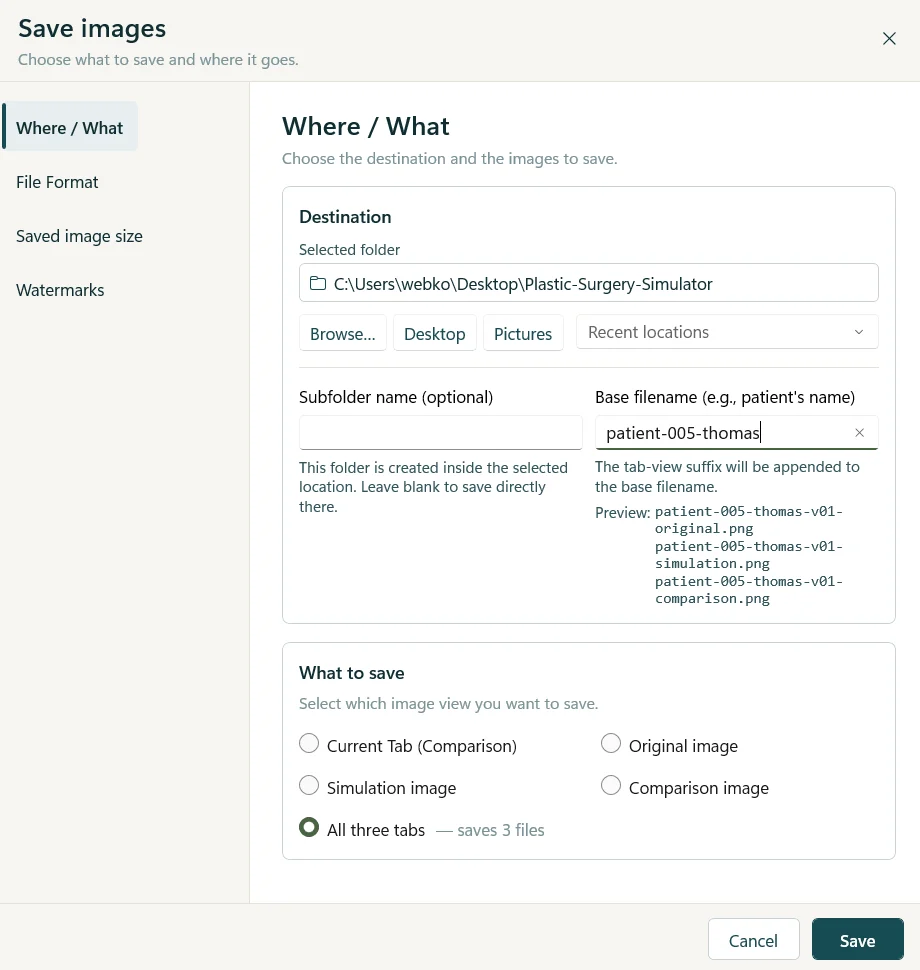
Save, share or print one view, or all three at once.
The three tab view concept carries all the way to output: export the original, the simulation, the comparison — or the whole set in a single operation, named for the patient file.
- Your name, address, phone, email, website and disclaimer appended automatically as a watermark on the saved images if you choose to.
- Choose file format and saved image size per export.
- Save the Animate morph as a video file for the consultation record.
- Print or share straight from the app.
Native, not wrapped
Written against the platform itself on Windows and macOS. It opens instantly, warps in real time and behaves like the rest of your desktop.
Unlimited modifications
No credits, no per-image charge, no cap on simulations or patients. The licence is the whole price.
Built for the workflow
Keyboard shortcuts for every tool, fit-to-window, label toggles, undo — designed around practical use.
One flat yearly licence. Less than competitors charge per month.
No per-image fees, no patient quotas—just unlimited image creation. Try it for seven days first — the trial is the full software.
Read the licensing FAQ →- One licence for up to 2 computers
- Unlimited photo modifications
- All tools and all four views
- Watermarking with your practice details
- Updates and email support included
Try it on your own photographs today.
Download the full software, simulate for seven days, and buy a key from inside the app or here on the site.