

 Français
  Español
  Português (Brasil)
  한국어
한국어  日本語
日本語  Italiano
  Türkçe
  简体中文
简体中文 Face contouring and jaw reduction simulation
Soften a square jaw, refine the chin and balance the lower face for V-line, mandibular angle reduction and genioplasty consultations.
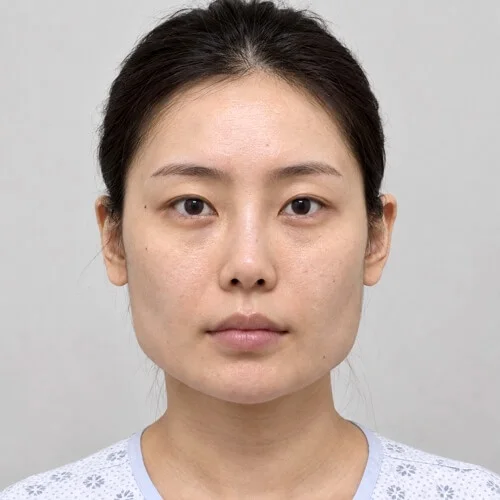
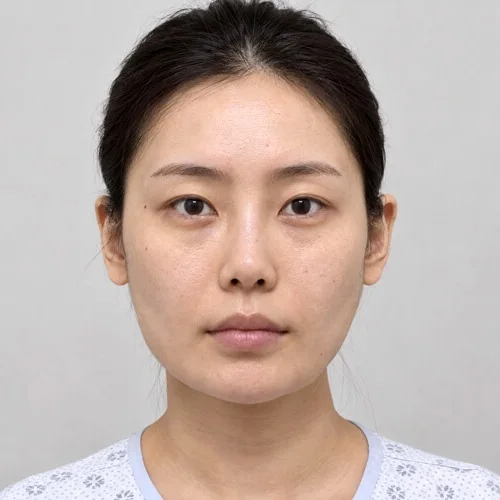
Face contouring and jaw reduction simulated with the Push, Shrink brushes. Drag to compare.
Face contouring and jaw reduction in three steps
Bring the jawline in
Push the mandibular angles inward with short, symmetrical strokes on each side. Shrink slims full cheeks for a buccal fat reduction discussion.
Adjust the chin
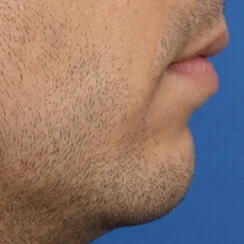
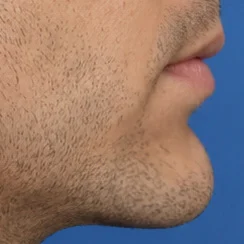
Drag the chin forward or back with Push for genioplasty, or narrow it for a V-line contour.
Verify the balance
Use Ratio to compare the bigonial width with the width at the cheekbones on the simulation, and the Comparison tab to judge proportion against the original.
Tips from practice
- Work both sides alternately so the result stays symmetrical.
- Profile and front views together give the patient a complete picture of a contouring plan.
- Use Comparison to show original and simulation side by side, and Animate to morph between them.
Unlimited, on your computer
Reshaping tools run locally, offline if you like, with no per-image fee. The patient's photo never leaves your computer, and the original is never modified.
- Undo, Redo and the Reconstruct brush to correct any area
- Save, print or share with your practice watermark
- Export the before-and-after morph as an MP4 video
Face contouring and jaw reduction simulation: questions
Can I simulate chin augmentation as well?
Yes. Push projects the chin forward in profile, or reduces it, in a few strokes.
Does reshaping change the patient's skin texture?
Reshaping moves the photograph's own skin instead of painting new skin, so pores, freckles, lighting and skin texture stay those of the patient. The original photograph is never modified: it stays one click away in the Original and Comparison tabs.
Often discussed together
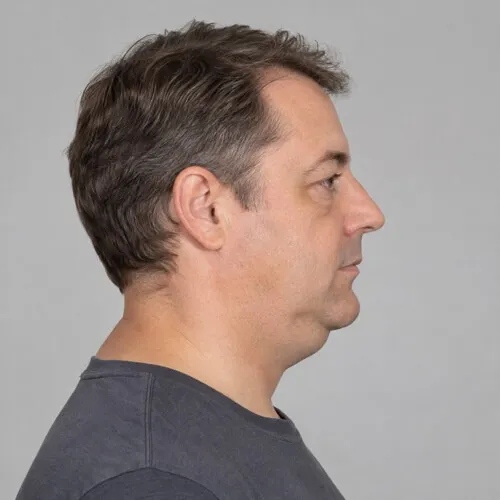
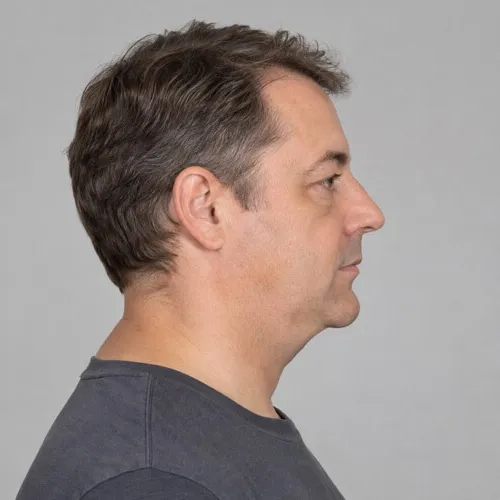 Before Simulation
 Double chin
Submental contour and a defined jawline.
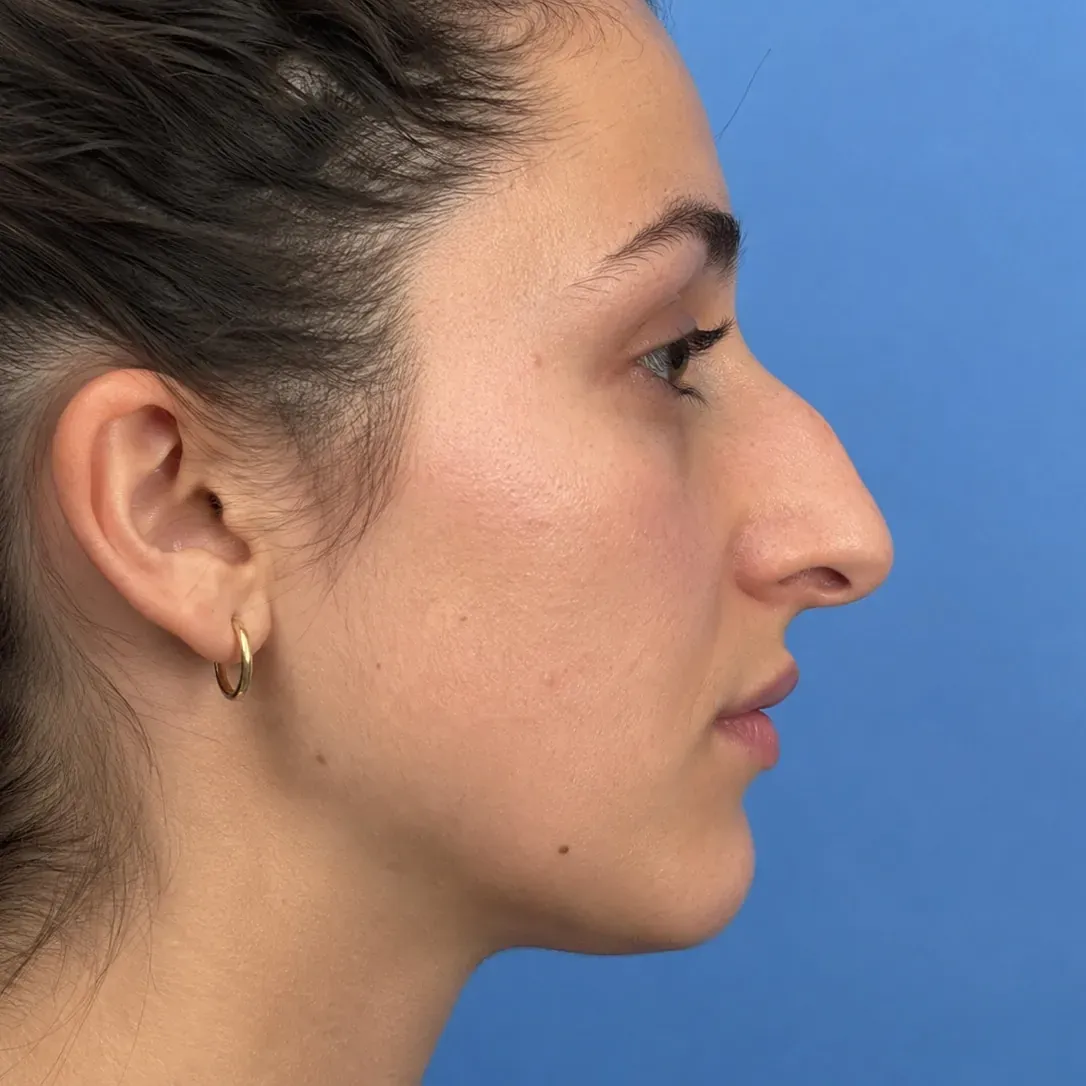
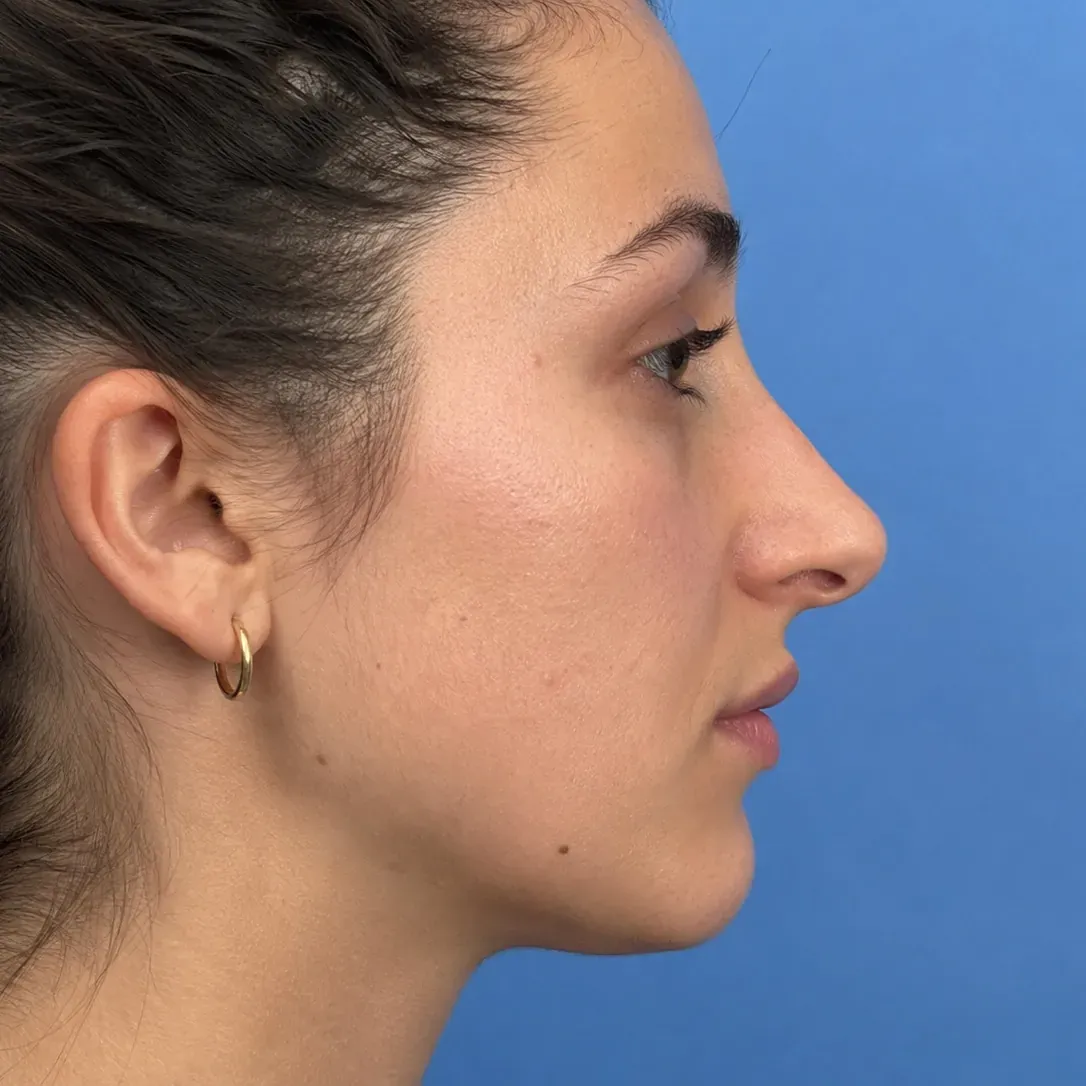 Before Simulation
 Rhinoplasty
Dorsal reduction and tip refinement with Push.
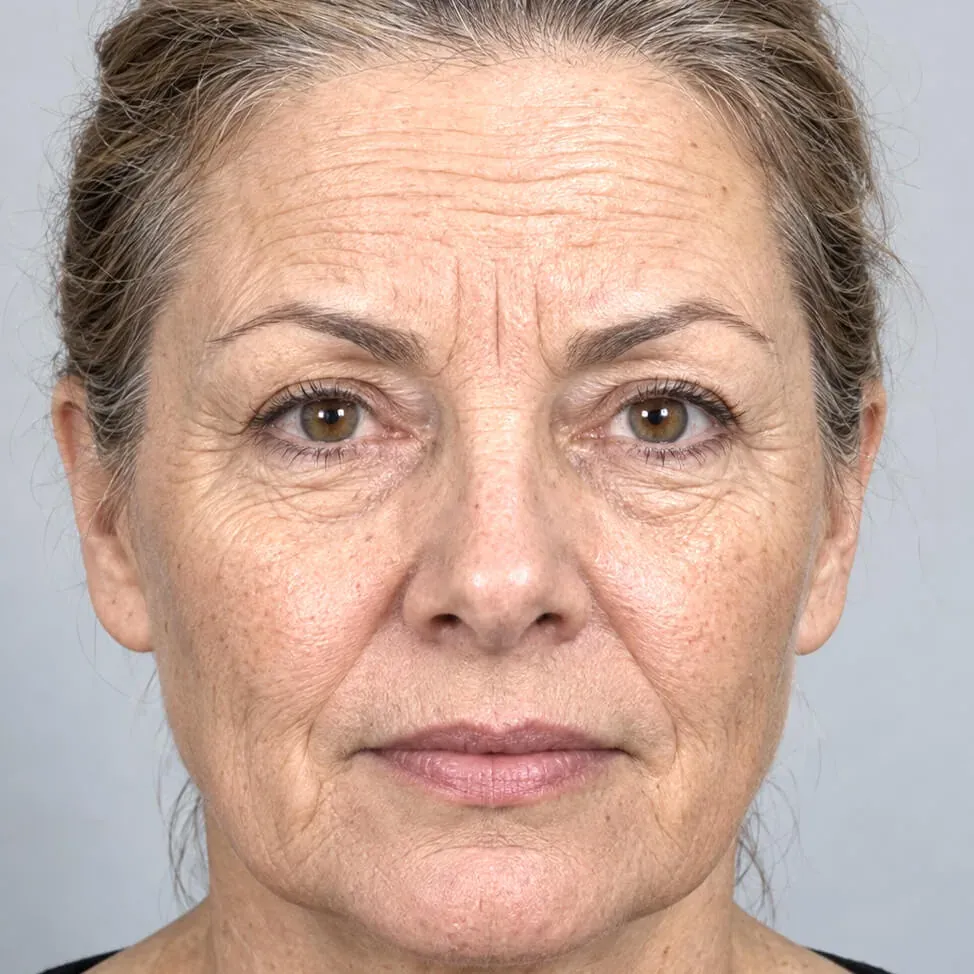
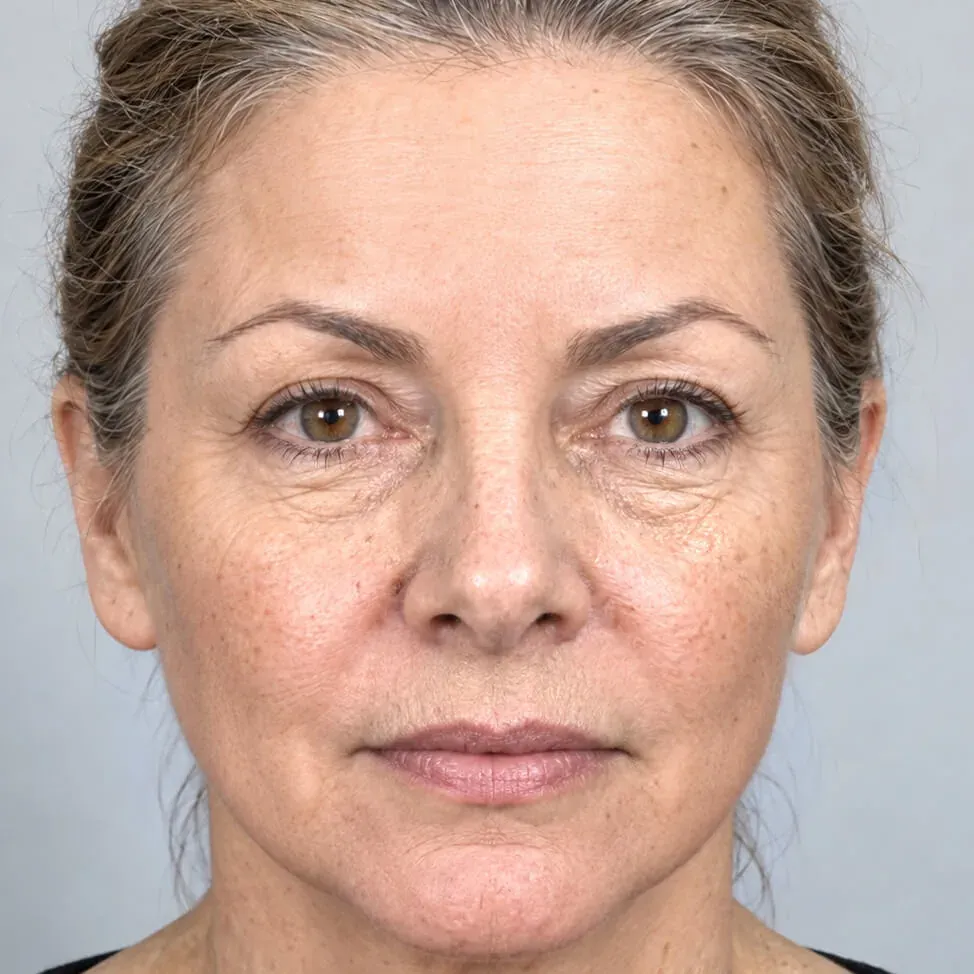 Before Simulation
 Facelift
Lower facelift and upper face Botox, generated in under a minute.
Simulations are illustrations made to support a consultation. They are not a prediction or guarantee of a surgical result, which depends on anatomy, technique and healing.
Simulate face contouring and jaw reduction on your own patient photos.
Download the complete software and simulate for seven days. No account, no credit card, nothing to cancel. Buy a key from the app or here when you are ready.