
 Français
  Español
  Português (Brasil)
  한국어
한국어  日本語
日本語  Italiano
  Türkçe
  简体中文
简体中文 Before and after, procedure by procedure.
Every example was made with Plastic Surgery Simulator: reshaping brushes for contours and volume, Spot healing for wrinkles, scars, moles, and AI Edit for eyelids, lifting, hair and teeth. Open a procedure to see how it is done.
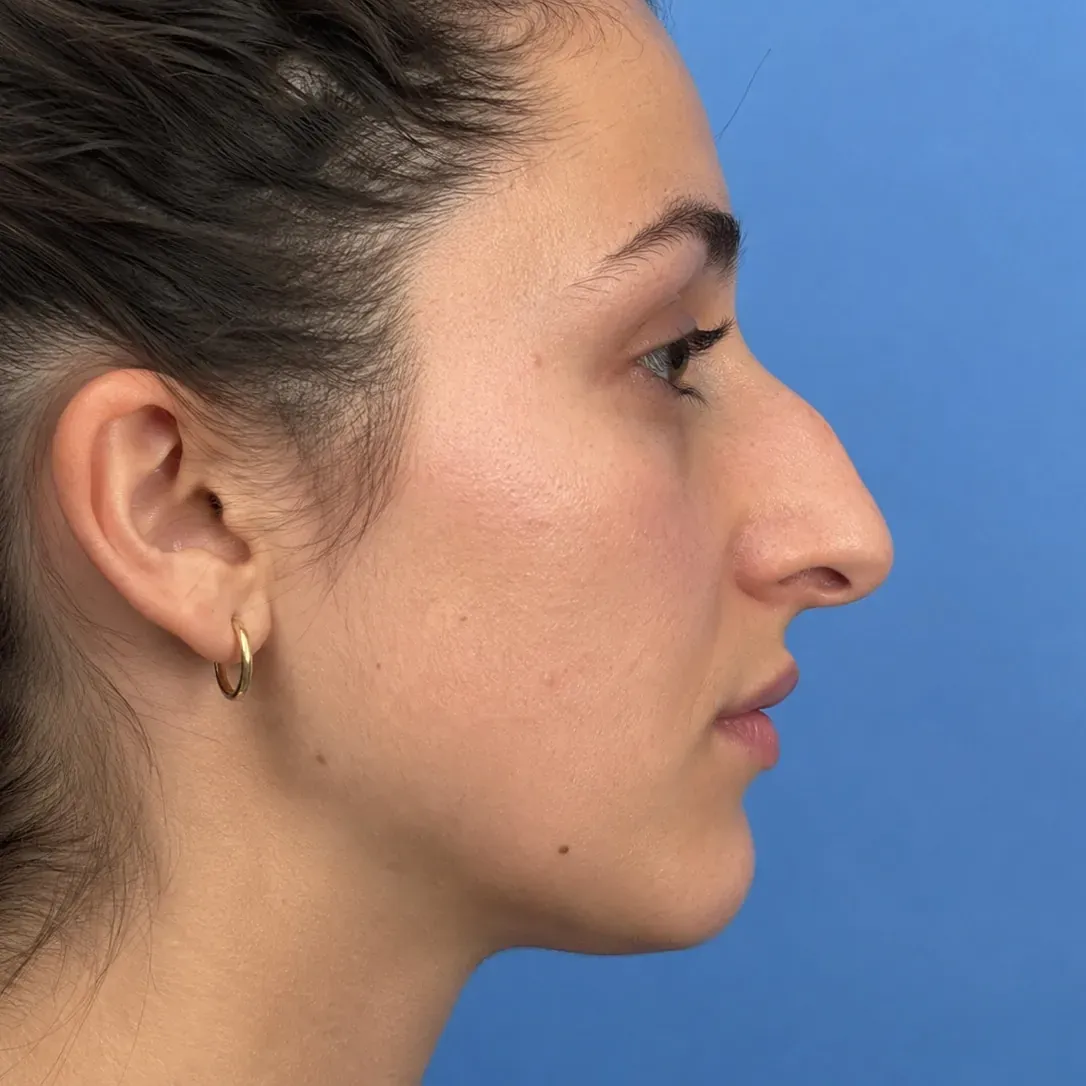
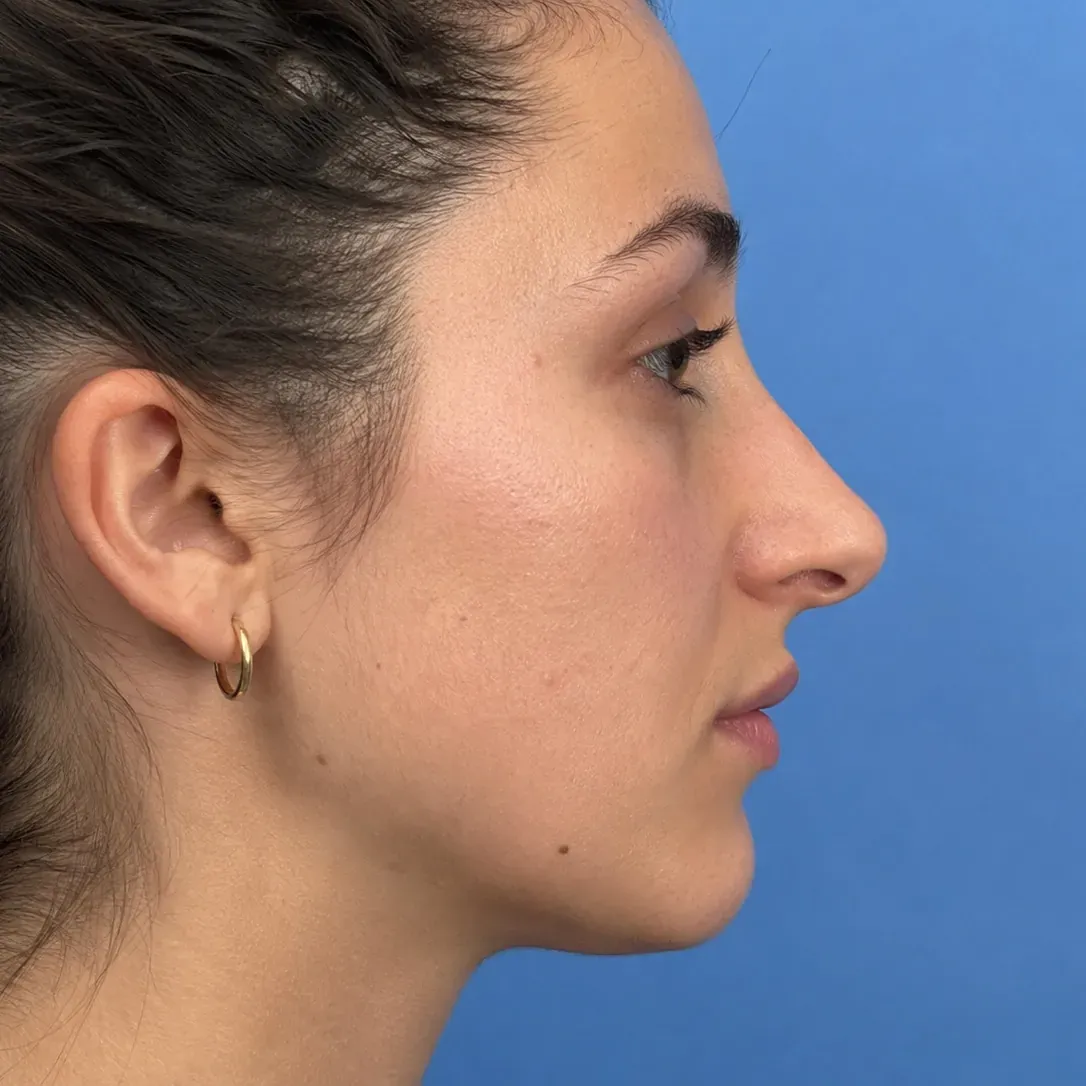
Nose
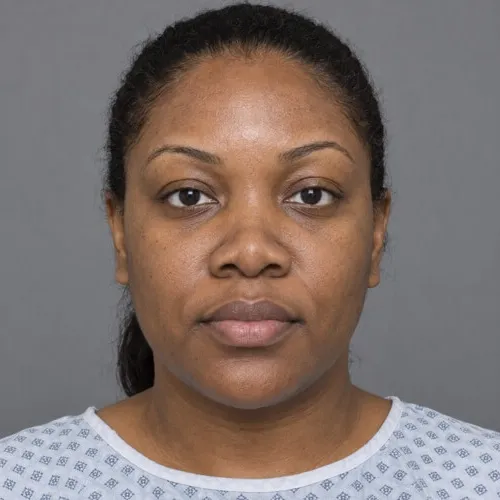
Profile and frontal rhinoplasty, including ethnic rhinoplasty.
Face, lips and neck
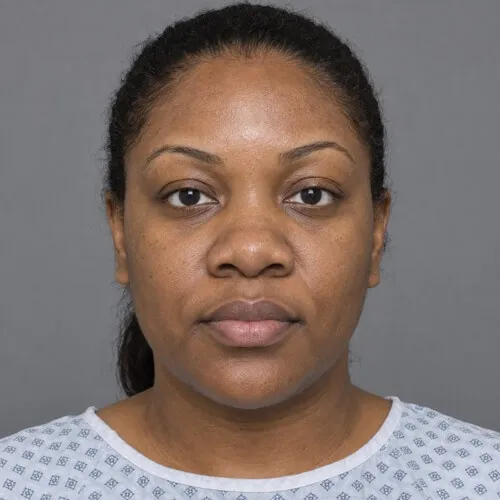
Lips, jawline, chin, neck and lifting.
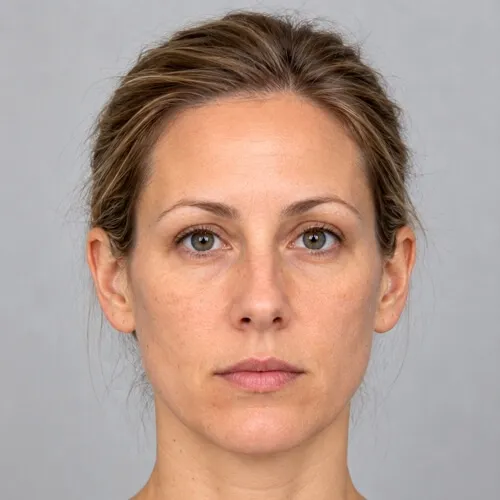
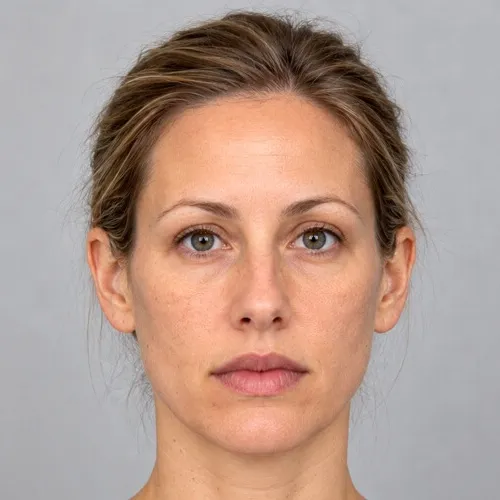 Before Simulation
 Lip augmentation
Lip volume for filler consultations.
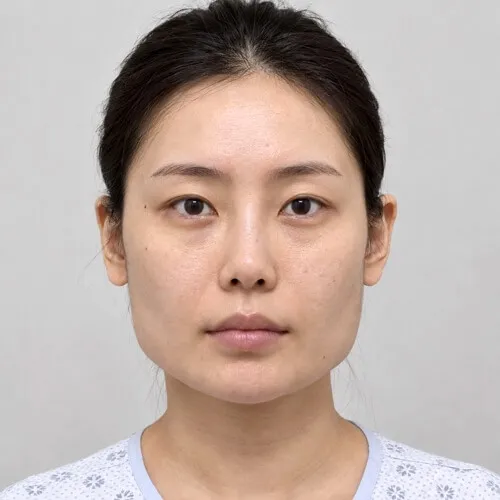
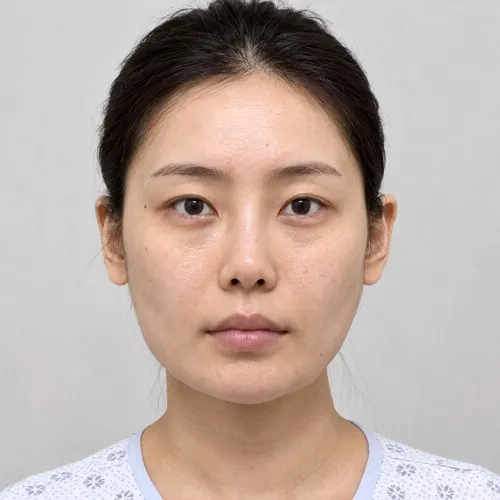 Before Simulation
 Jaw reduction
Jaw angle reduction for a softer facial contour.
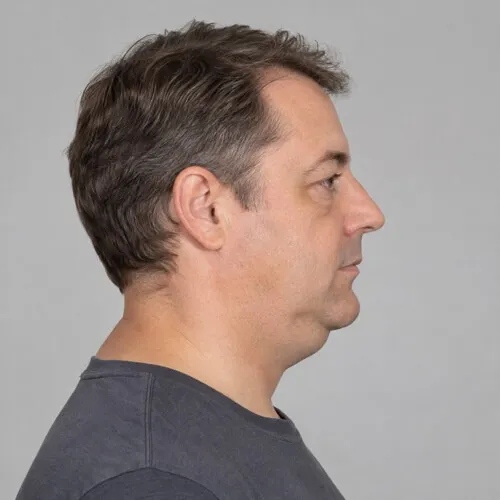
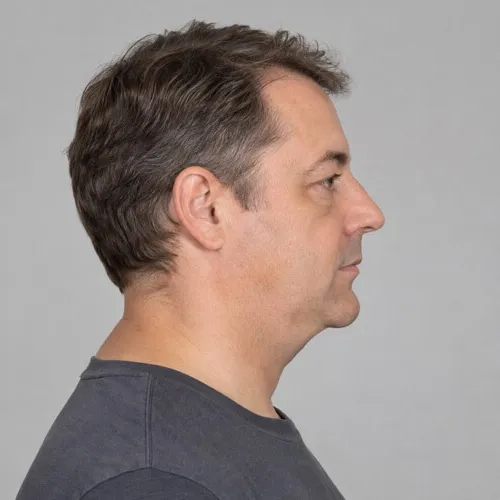 Before Simulation
 Double chin
Submental contour and a defined jawline.
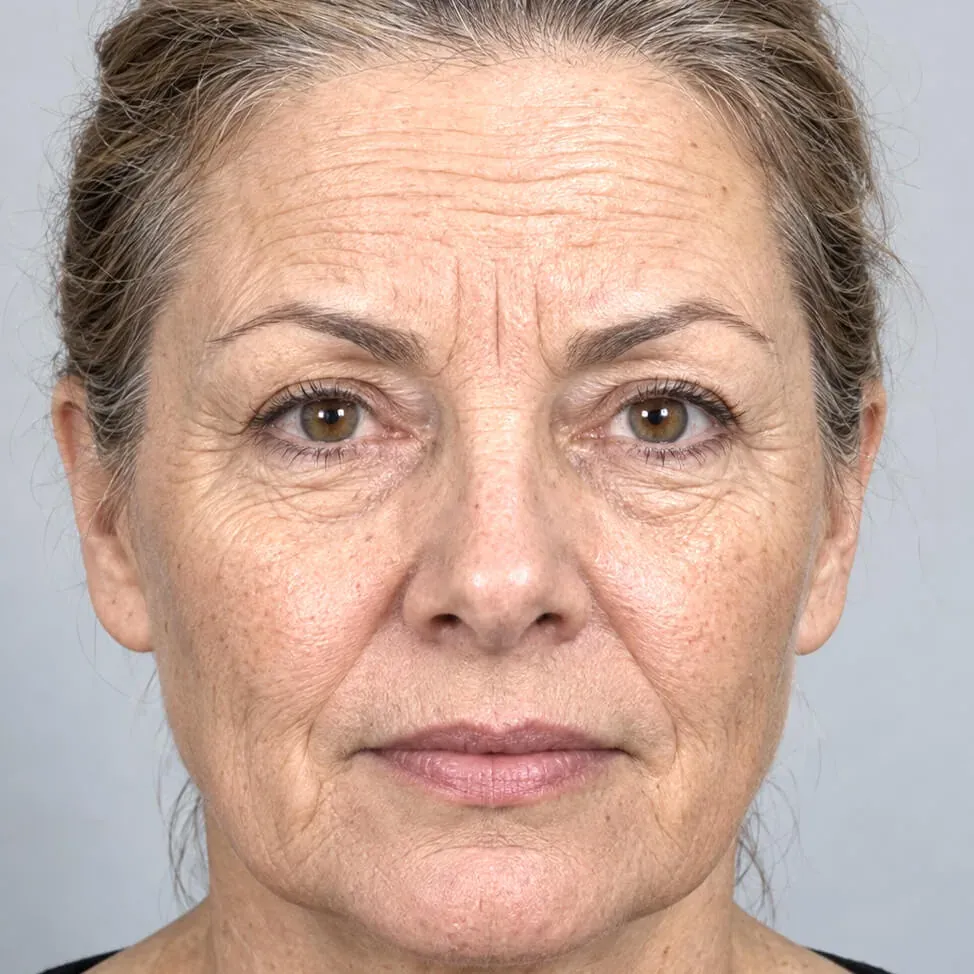
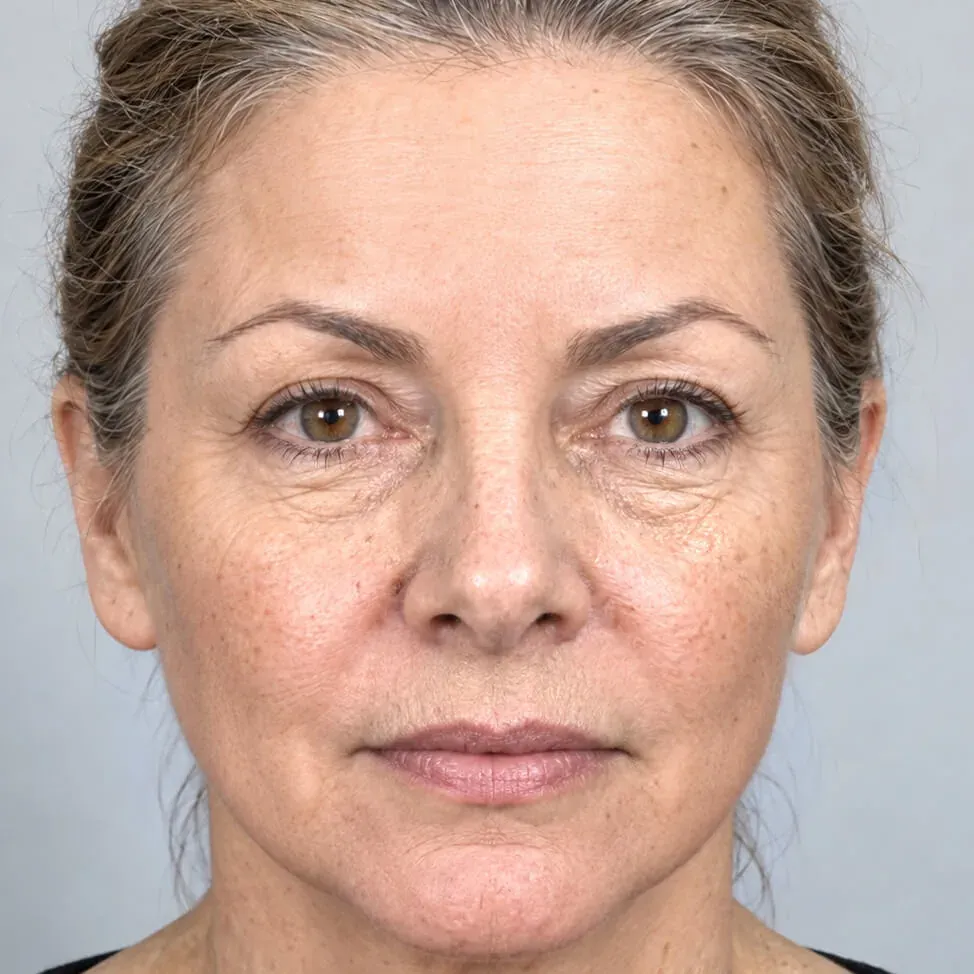 Before Simulation
 Facelift
Lower facelift and upper face Botox, generated in under a minute.
Eyes
Upper eyelids, under-eye bags, crease creation and eye colour with AI Edit.
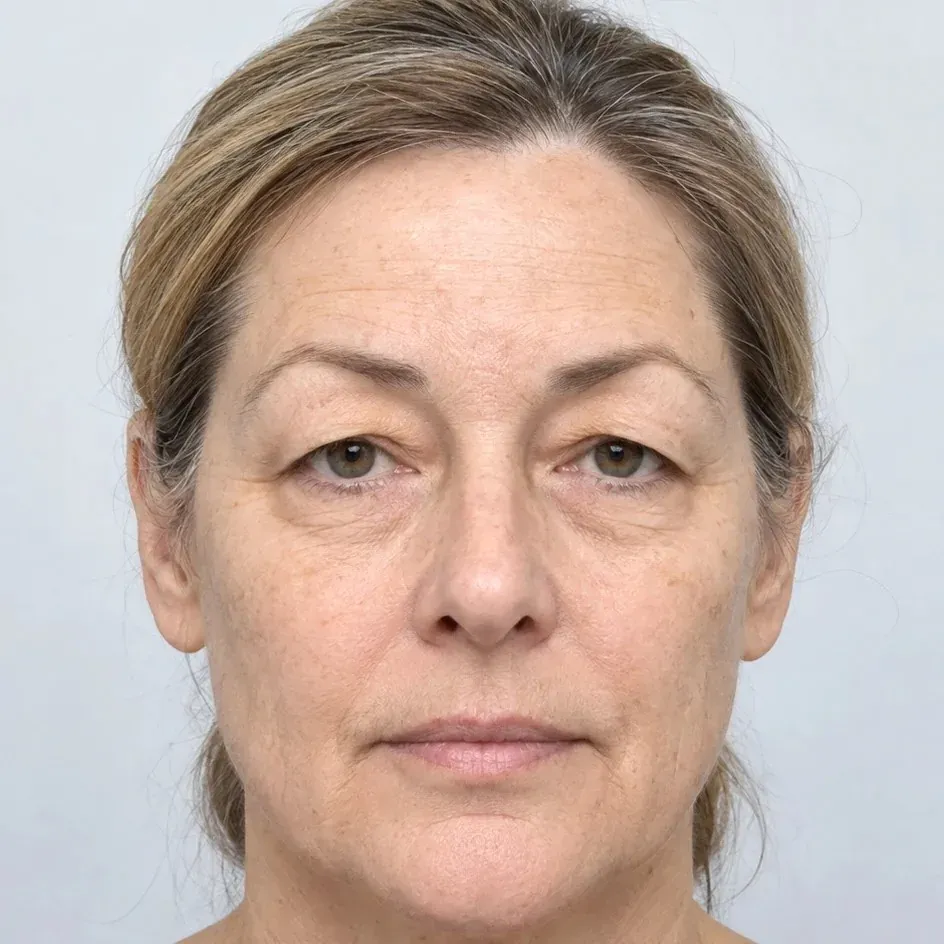
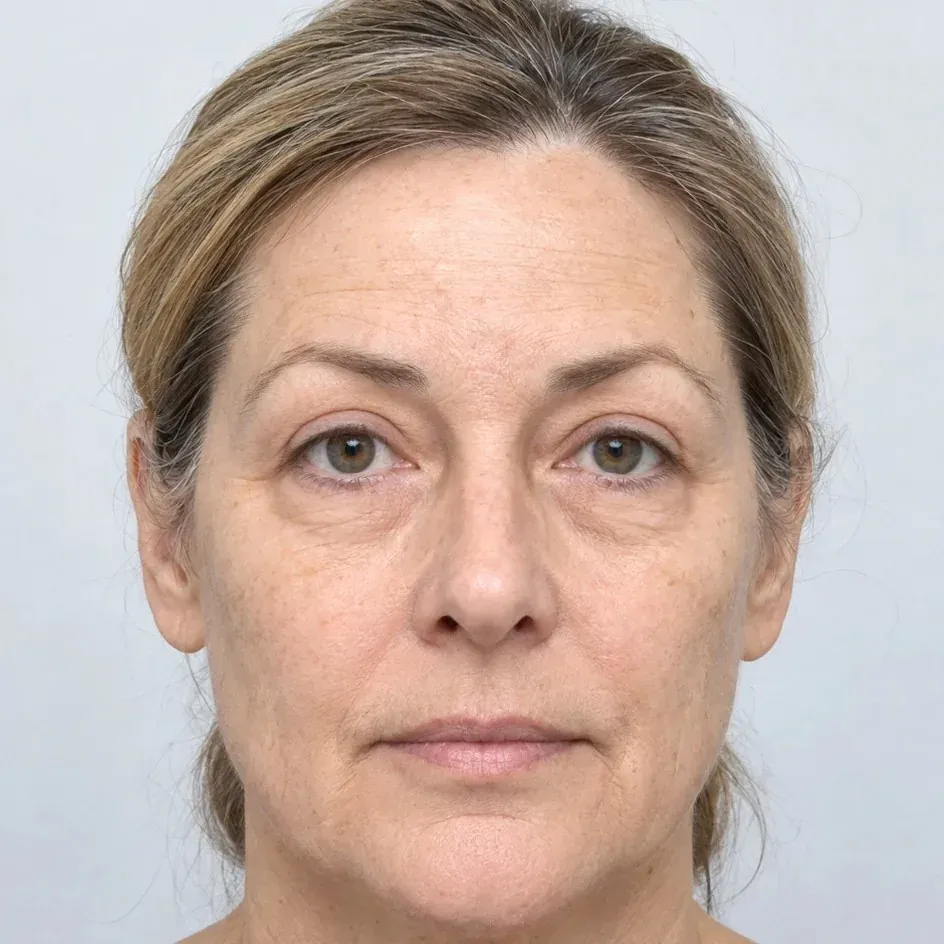 Before Simulation
 Eyelid surgery
Upper eyelid surgery and under-eye bags with AI Edit.
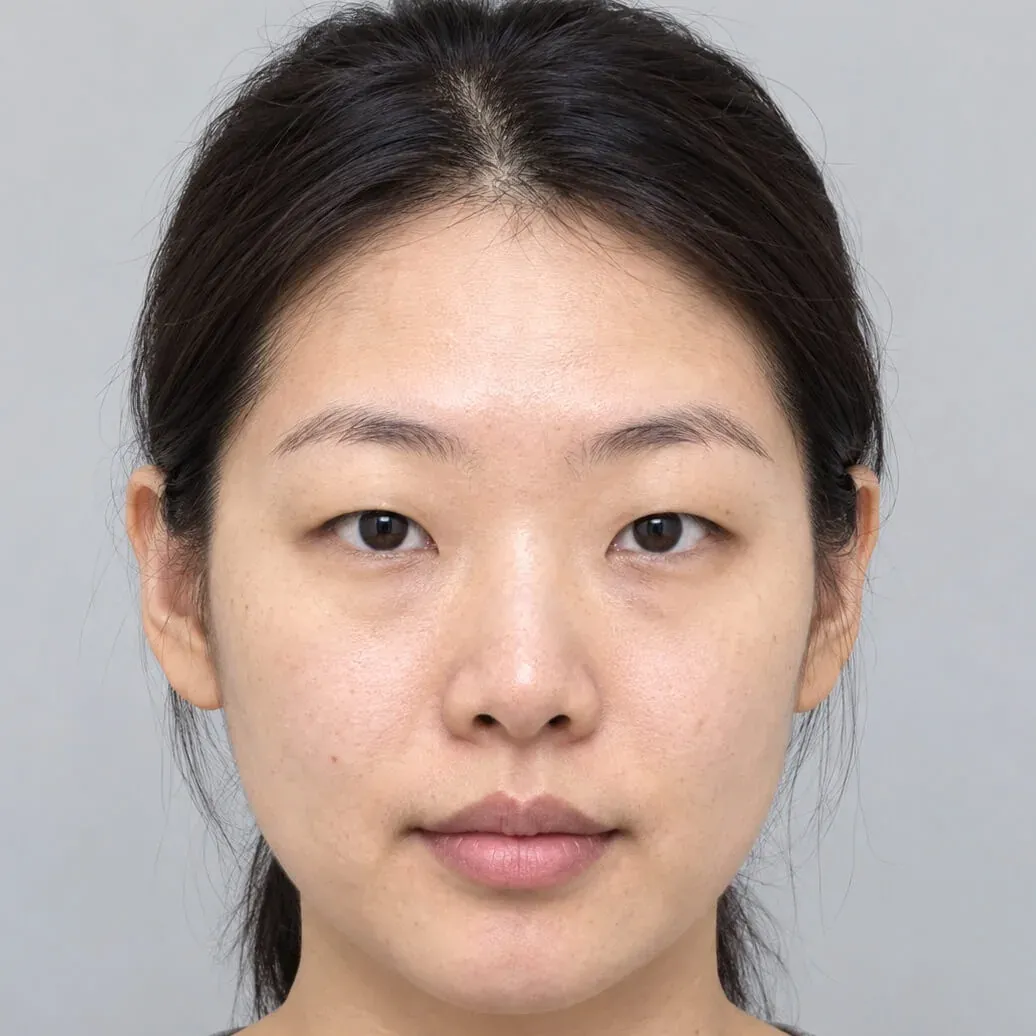
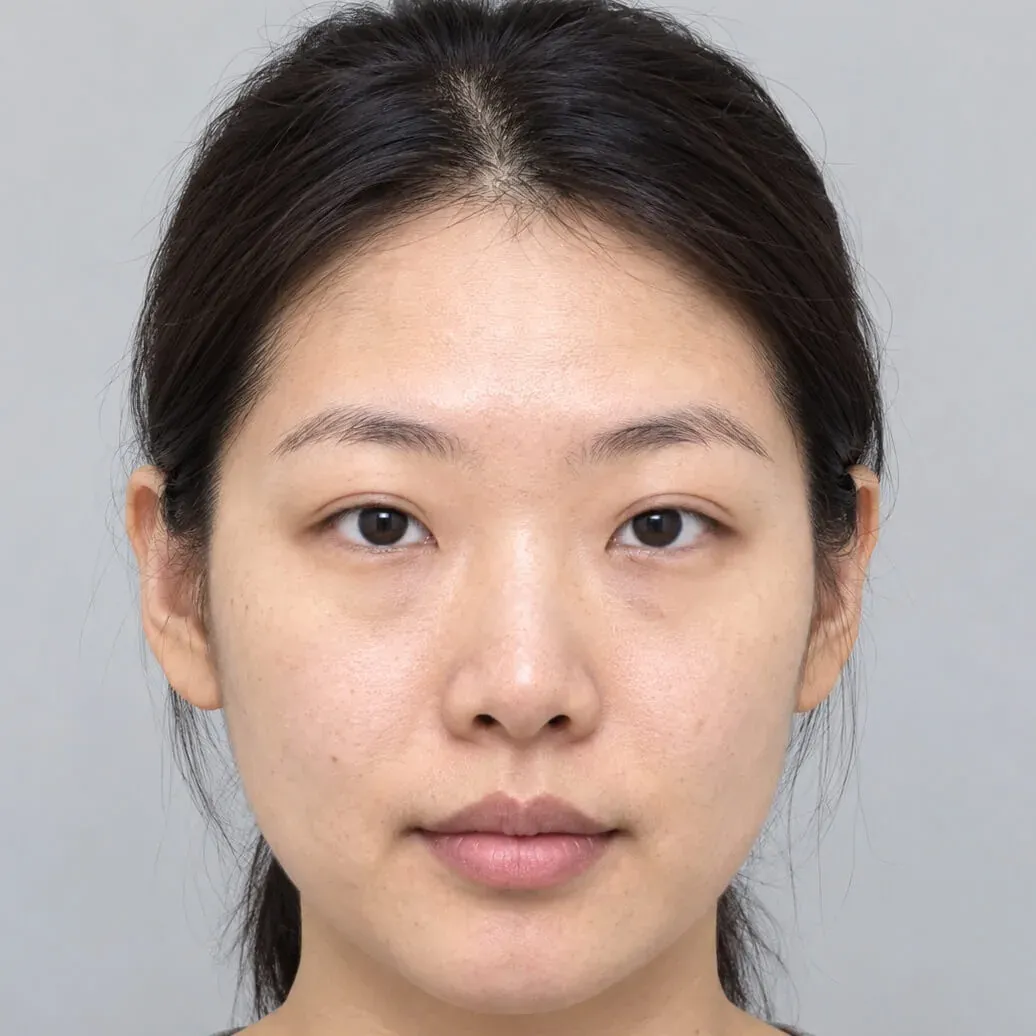 Before Simulation
 Asian eyelid
Upper eyelid crease creation with AI Edit.
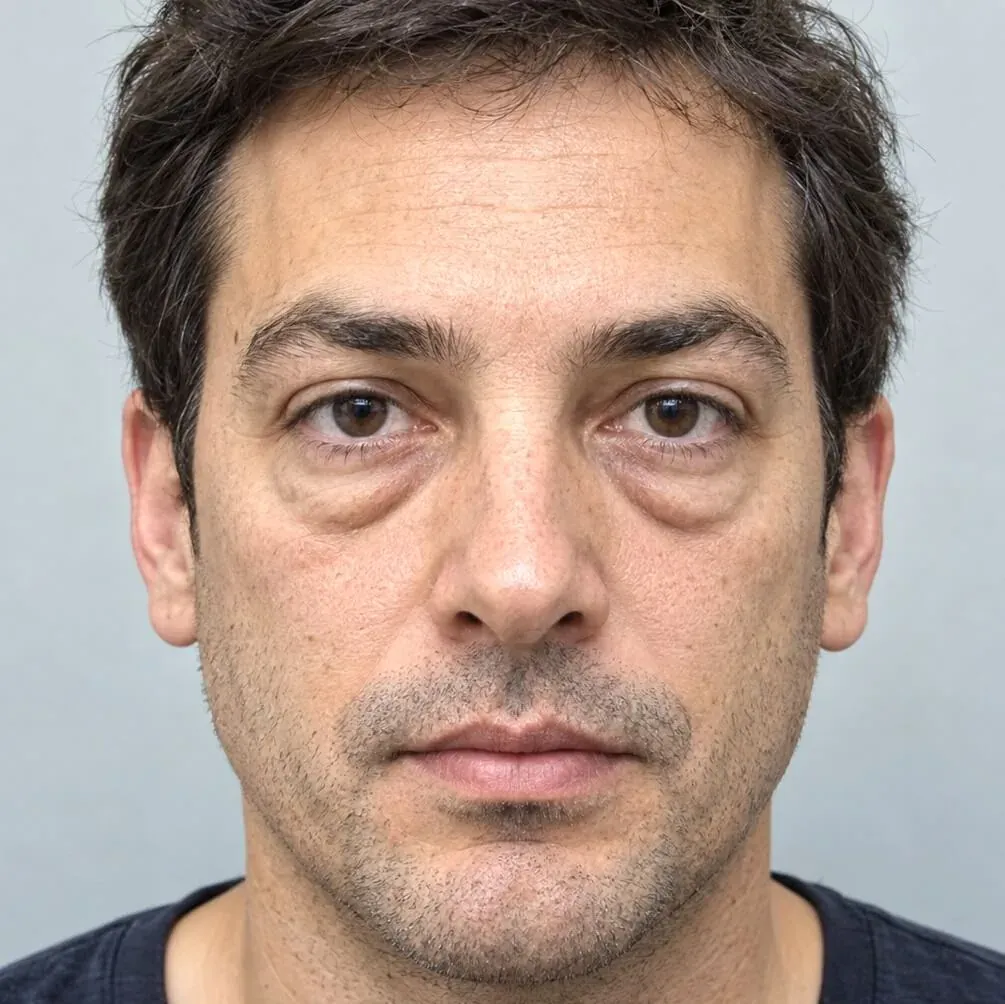
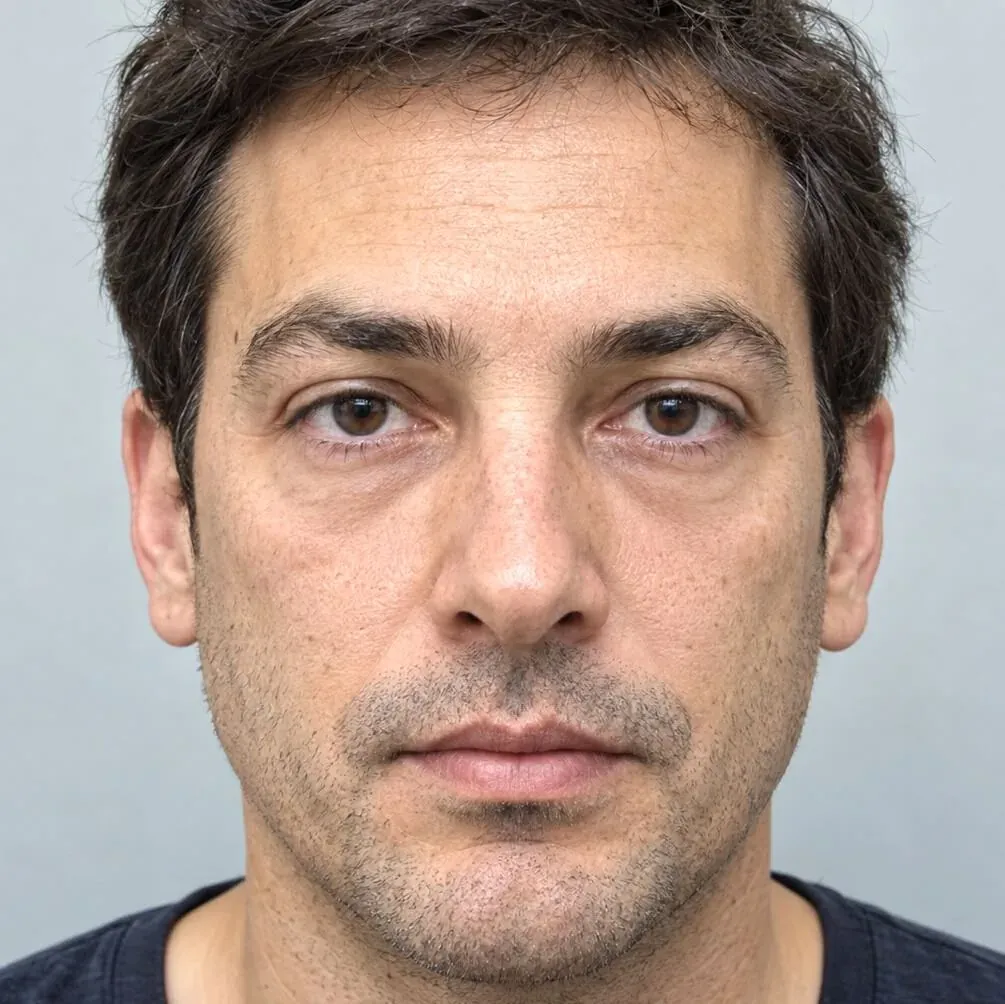 Before Simulation
 Under-eye bags
Lower eyelid surgery for under-eye bags with AI Edit.
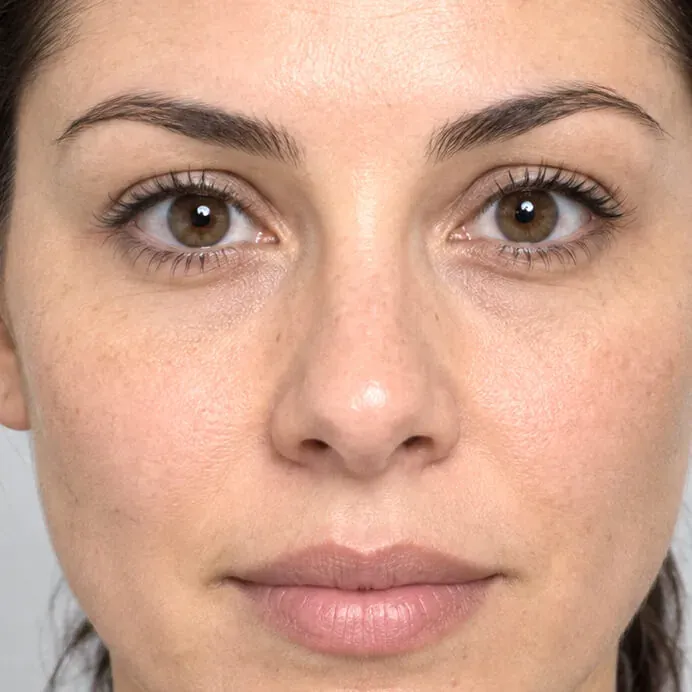
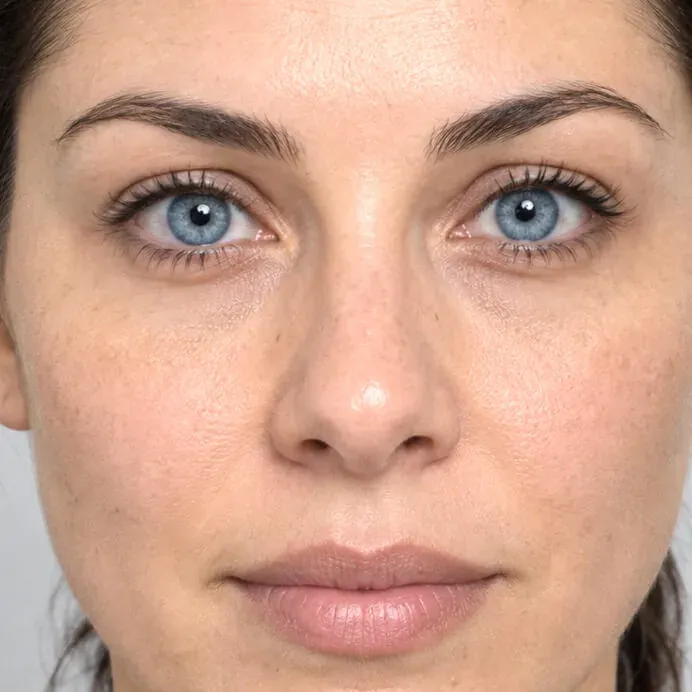 Before Simulation
 Eye colour
Iris colour in ten shades, natural texture kept.
Skin
Wrinkles, moles, spots and scars.
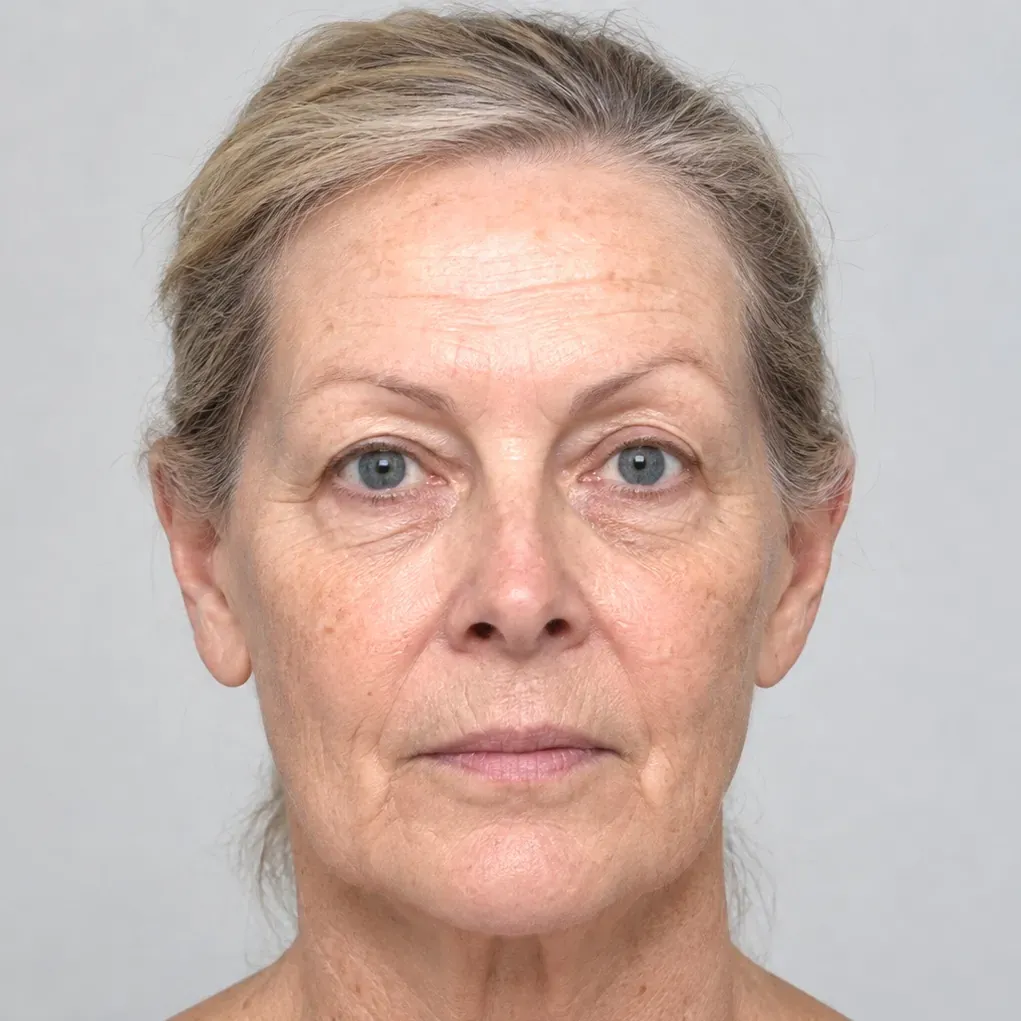
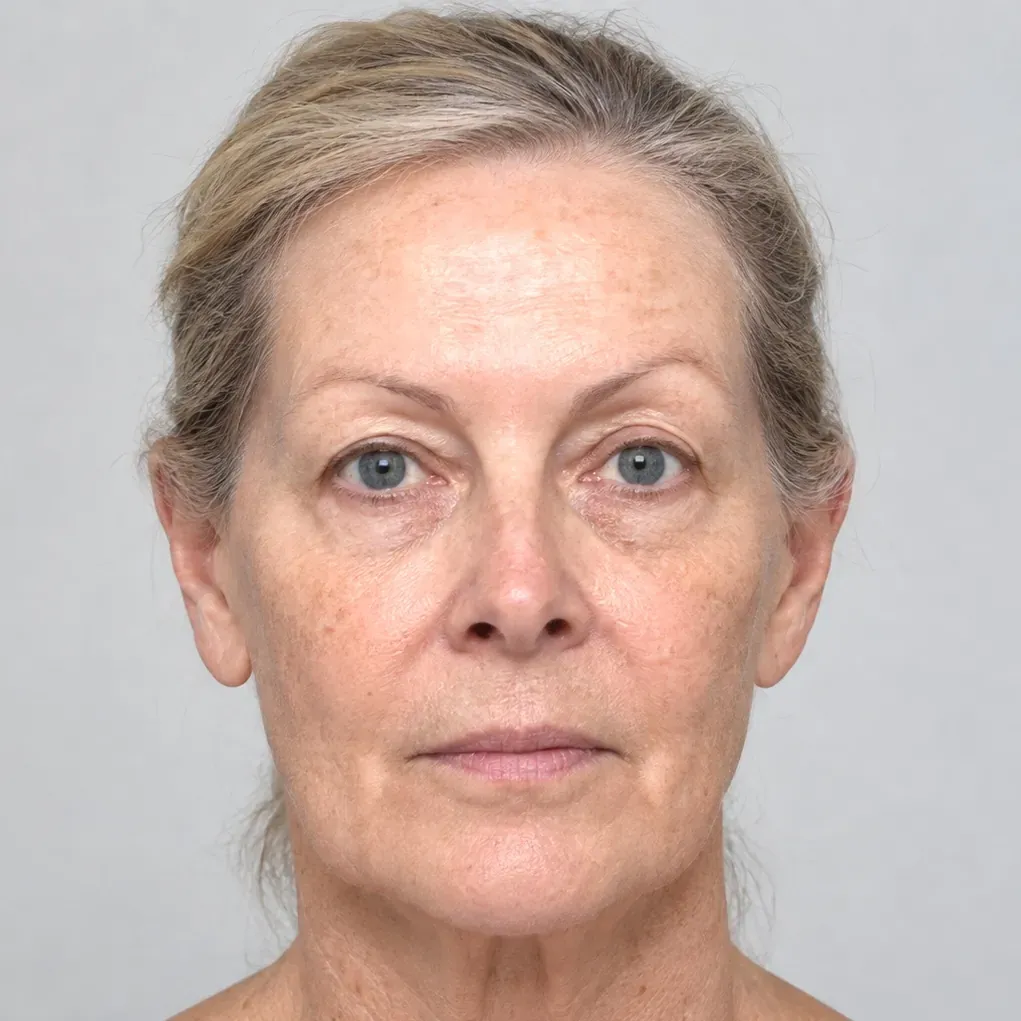
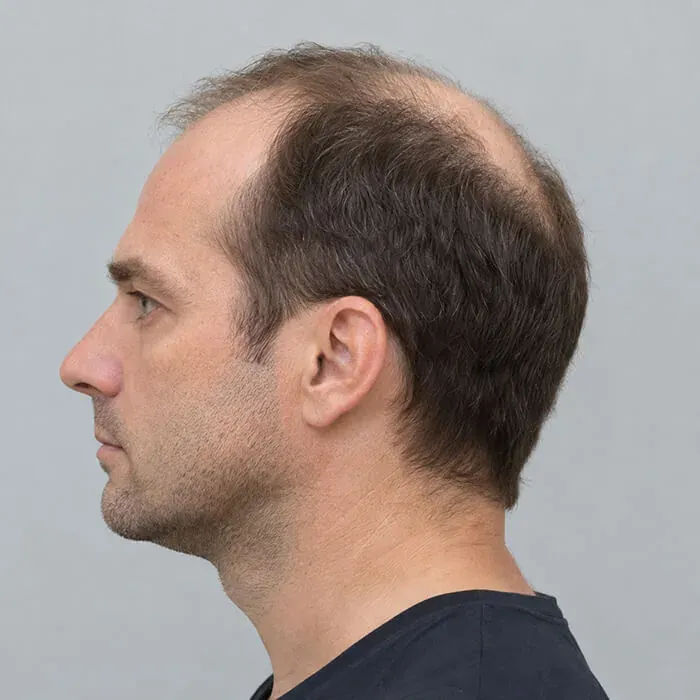
Hair and smile
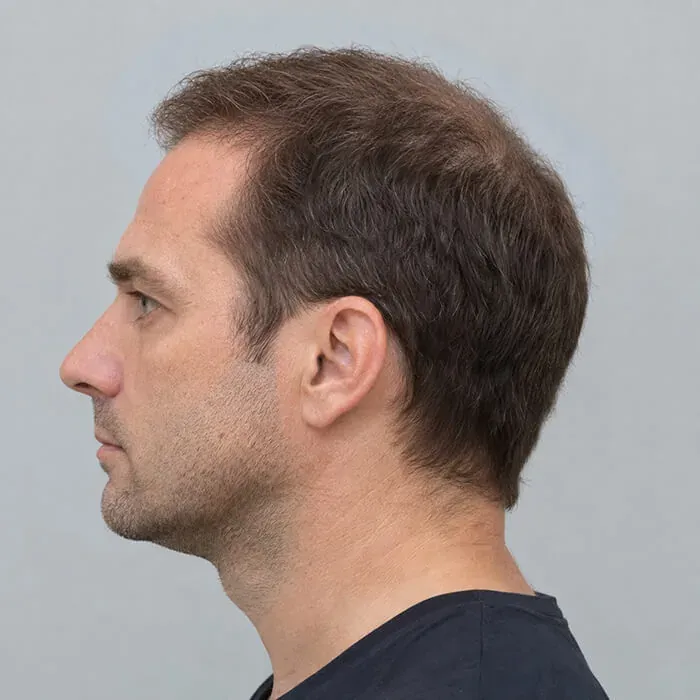
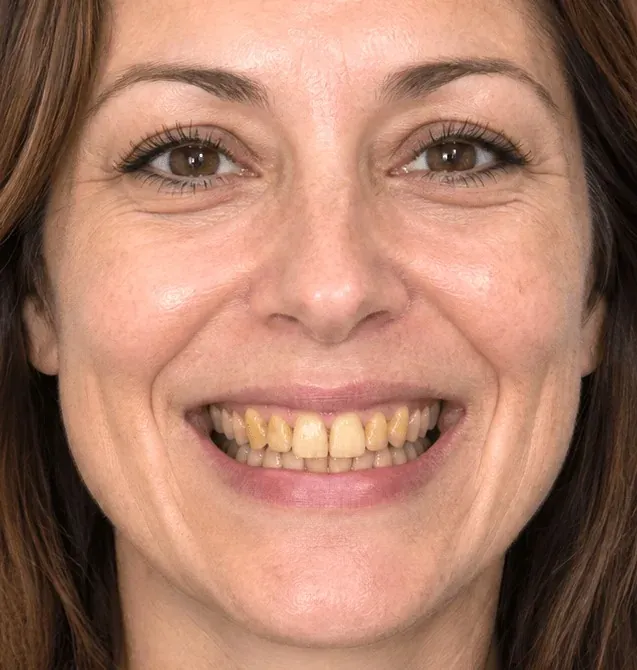
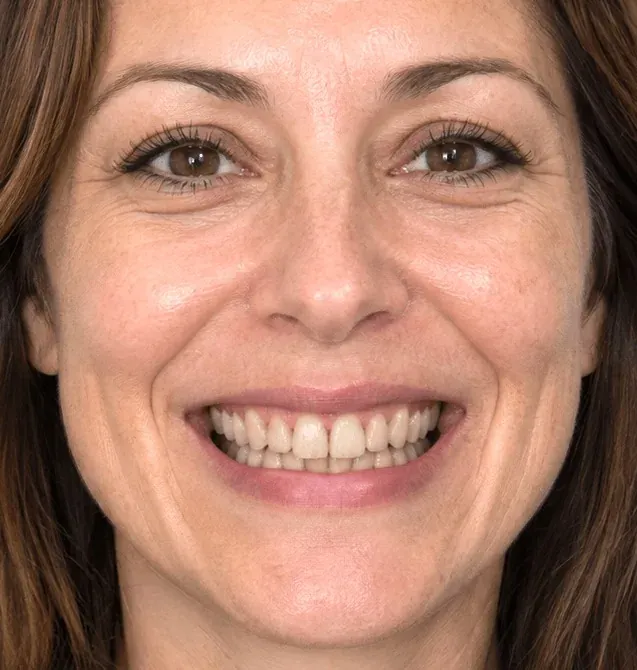
Hair restoration, whitening and veneers with AI Edit.
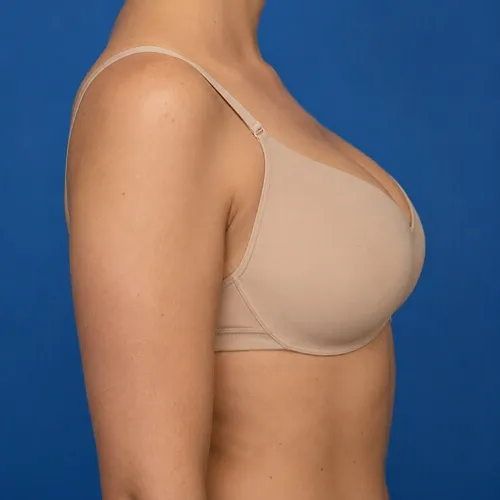
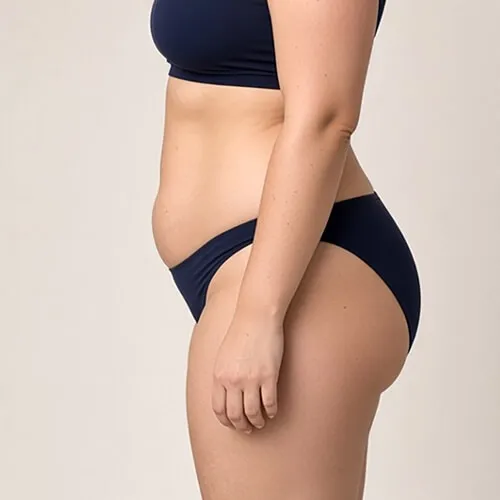
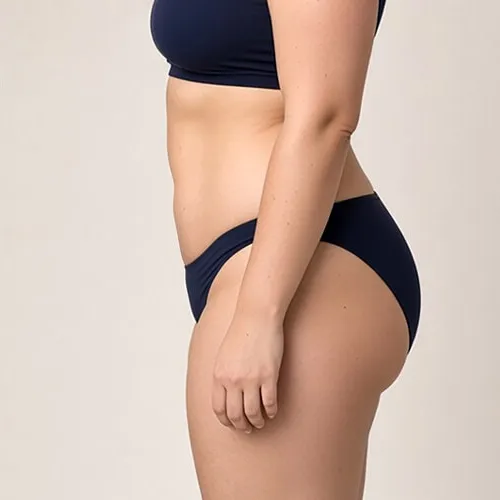
Breast and body
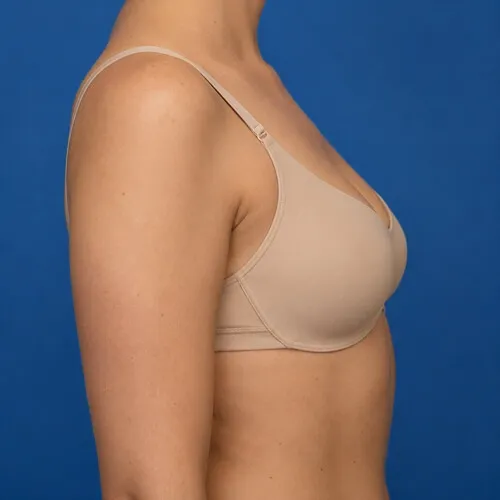
Breast augmentation and abdominal contouring.
Not listed here?
The reshaping brushes work on any contour, so you can also simulate chin augmentation or reduction, cheek fillers, otoplasty, brow position, buttock and body contouring. Need an AI procedure that isn't available yet? Tell us: new ones are added regularly.
Simulations are illustrations made to support a consultation. They are not a prediction or guarantee of a surgical result.
Try it on your own patient photographs.
Download the complete software and simulate for seven days. No account, no credit card, nothing to cancel. Buy a key from the app or here when you are ready.