

 Français
  Español
  Português (Brasil)
  한국어
한국어  日本語
日本語  Italiano
  Türkçe
  简体中文
简体中文 Blepharoplasty simulation: upper eyelids and under-eye bags
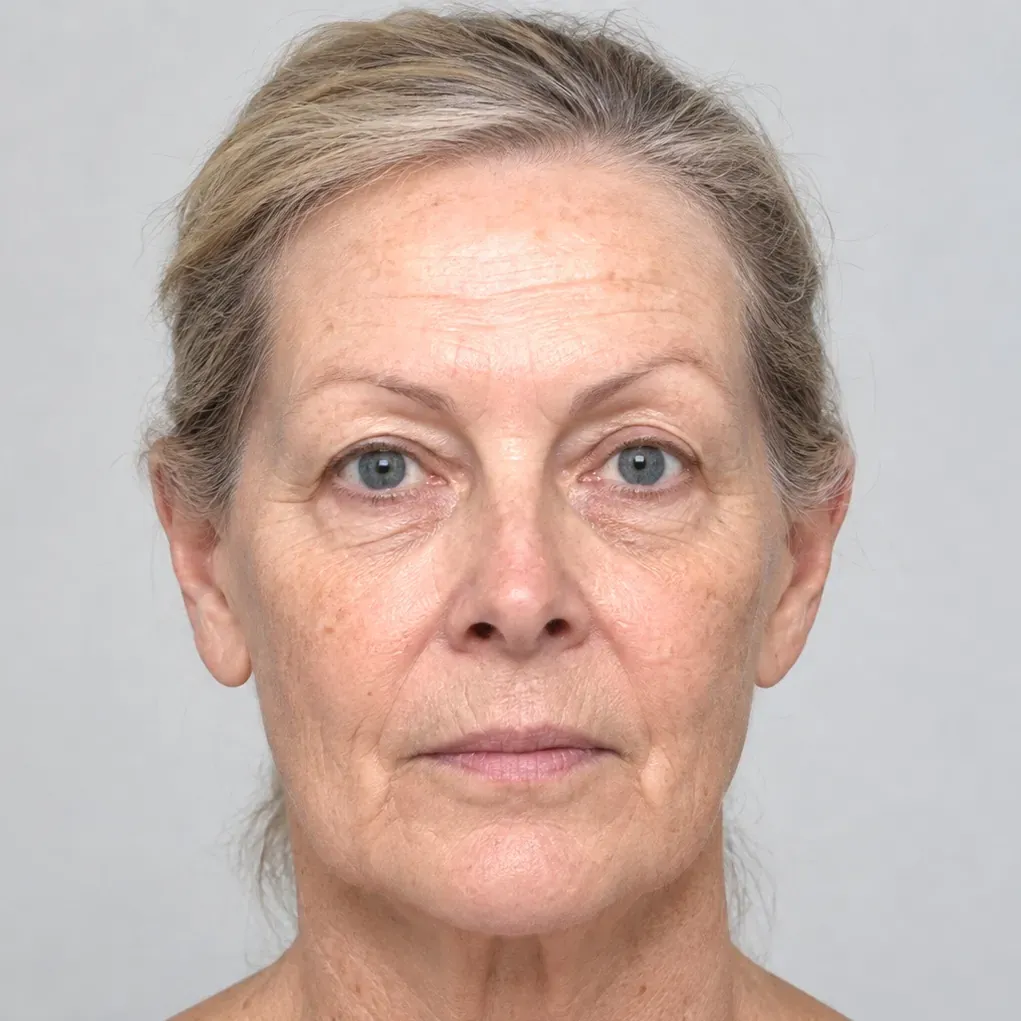
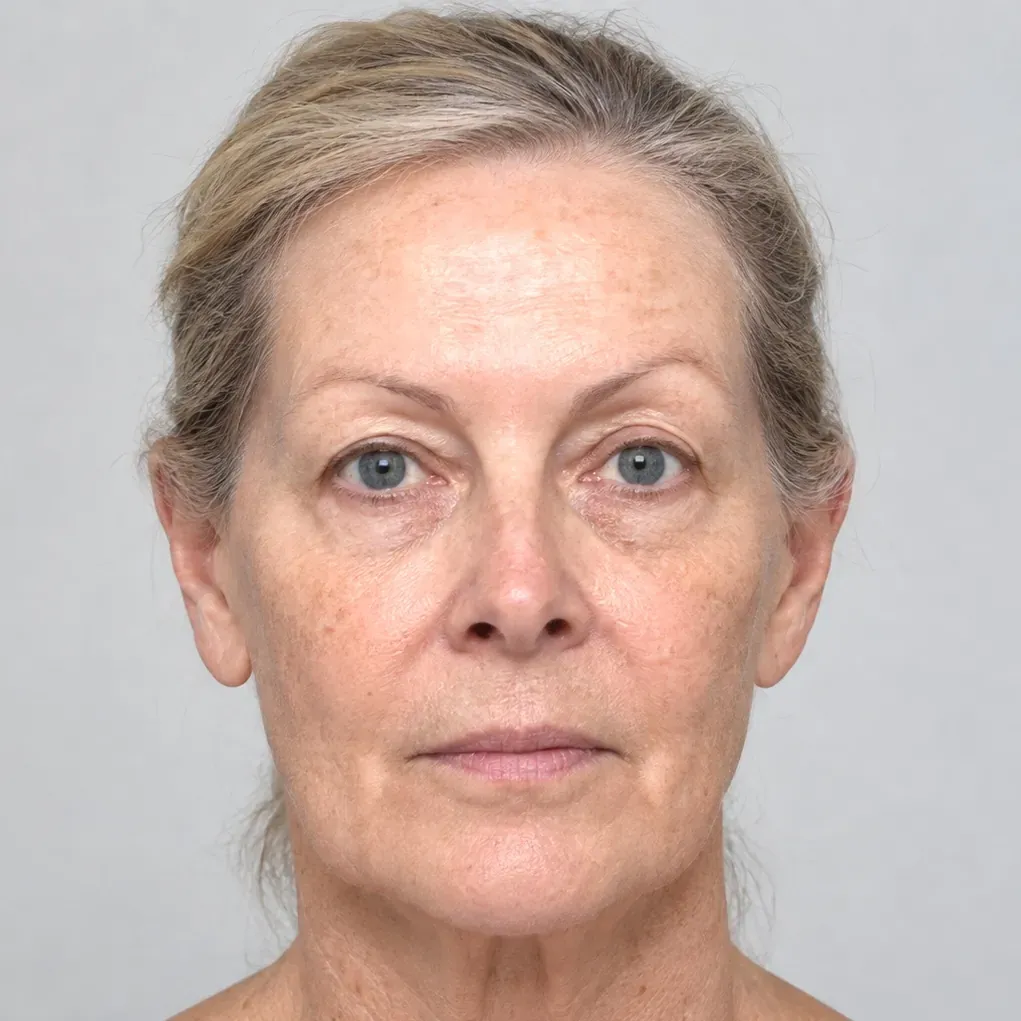
Remove excess upper lid skin, reduce under-eye bags, or both at once. AI Edit generates a rested, natural look in under a minute and leaves the rest of the face untouched.
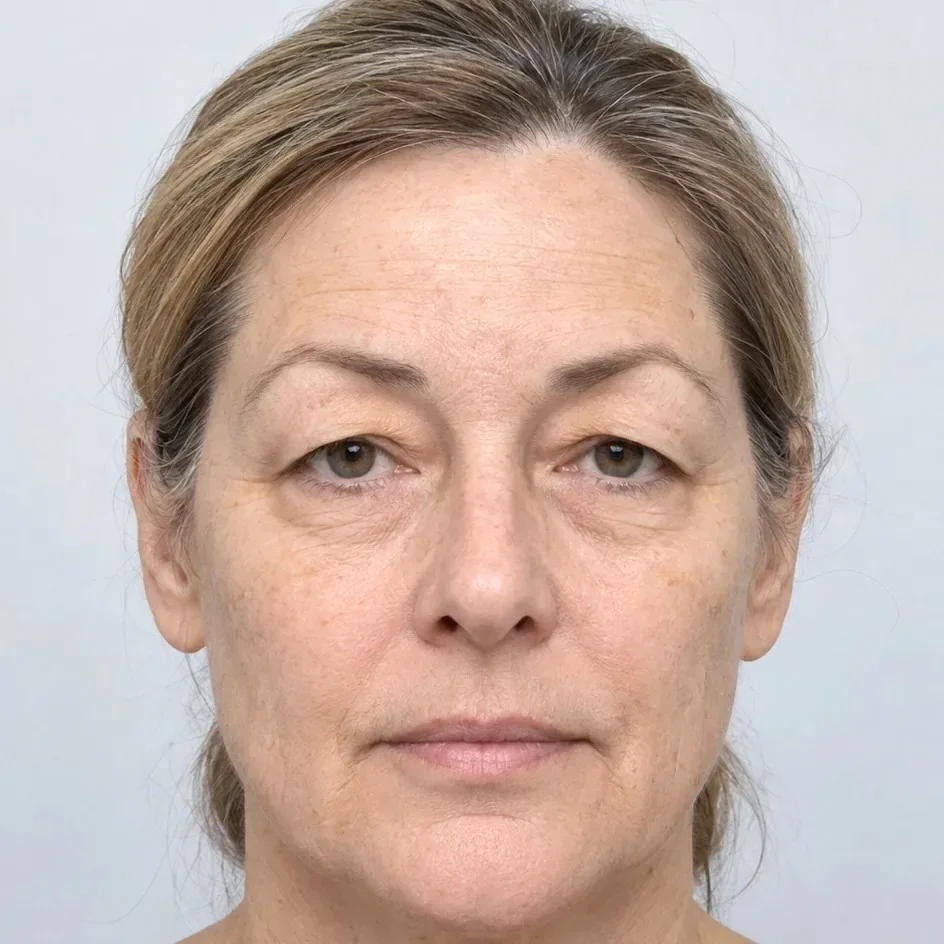
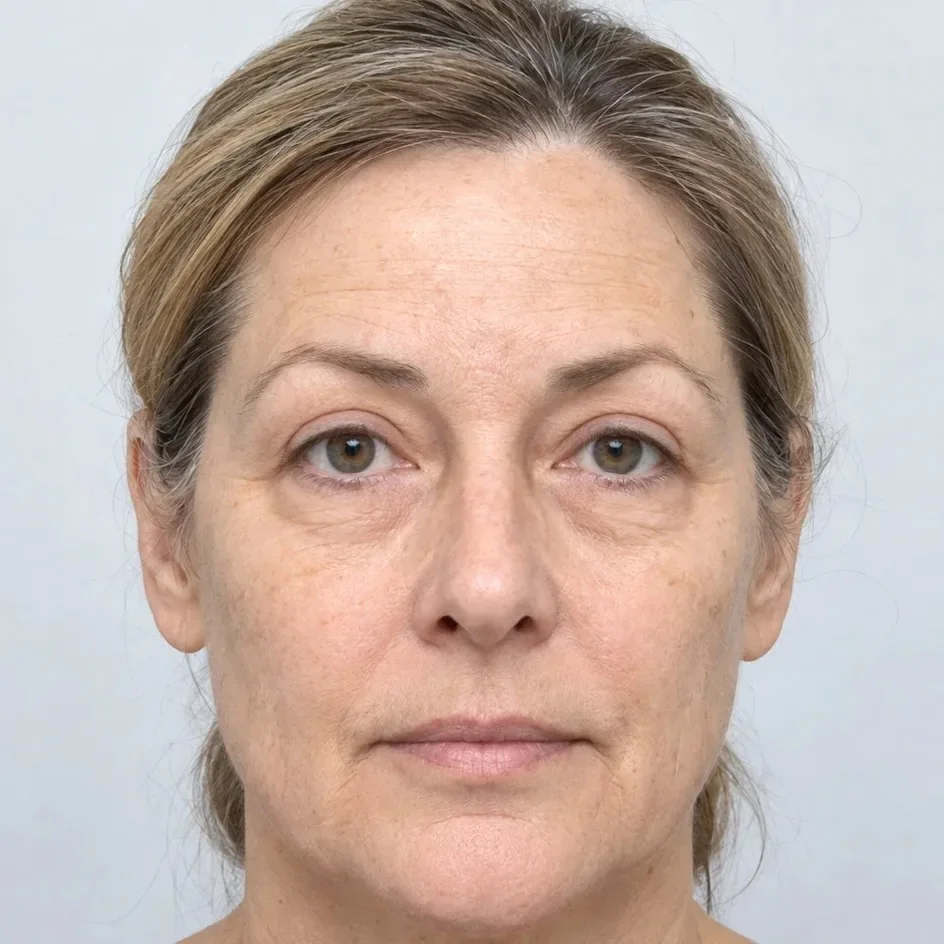
Blepharoplasty simulated with AI Edit. Drag to compare.
Blepharoplasty in three steps
Choose upper, lower or both
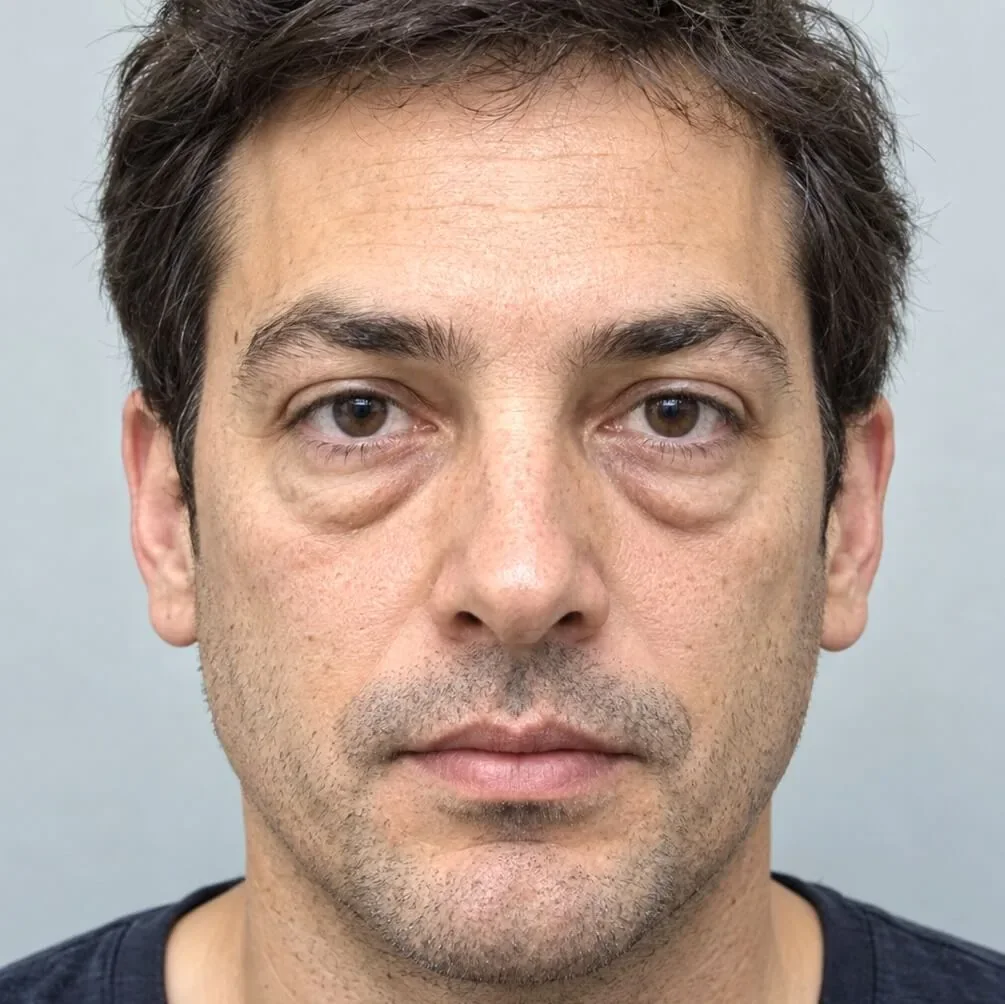
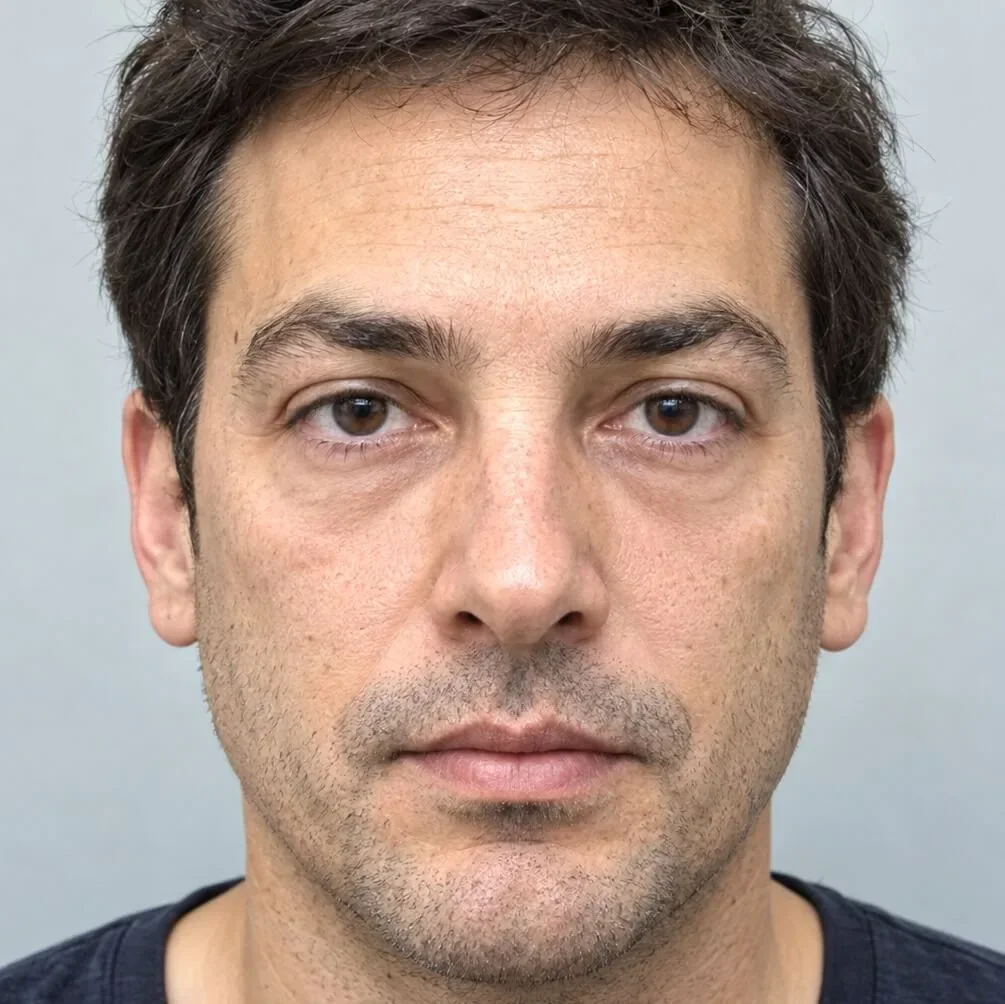
Pick Upper eyelid surgery, Under-eye bag surgery, or Upper eyelid + under-eye bag surgery in the Eyes group of AI Edit.
Paint both eyes
Paint one continuous area covering both eyes, just slightly beyond the lids. The inspector shows an ideal framing and painting example for each procedure.
Generate and compare
Review the result, apply it, then switch to Comparison or Animate. Eye procedures are among the cheapest AI simulations, from about $0.05.
Tips from practice
- A front-view photograph with the eyes open and relaxed gives the most natural result.
- Generate on the unmodified photo first, then refine brows or wrinkles with the other tools.
- Use Comparison to show original and simulation side by side, and Animate to morph between them.
What an AI simulation costs
AI Edit is the only pay-per-use feature: each generation uses AI credits, at its real processing cost. Reshaping, Spot healing and everything else stay unlimited.
- Eye procedures
- from about $0.05
- Lower face and neck lift
- about $0.10 to $0.20
- Included with every licence
- $1 of credit
Blepharoplasty simulation: questions
What does an AI simulation cost?
AI Edit is the only feature charged per use, with AI credits (1 credit = 1 US dollar). Eye procedures can cost as little as $0.05; a full lower face and neck lift costs about $0.10 to $0.20. Every licence includes $1 of free AI credits, and failed generations are usually free.
Is the AI simulation sent to the cloud?
Only when you press Generate. Plastic Surgery Simulator sends a newly created copy of the painted area with a little surrounding context, directly to the AI provider. It never passes through our servers, it is set to expire 10 minutes after processing, and it is never used to train models. The rest of the photograph, its file name and its metadata stay on your computer. Read our image policy.
Often discussed together
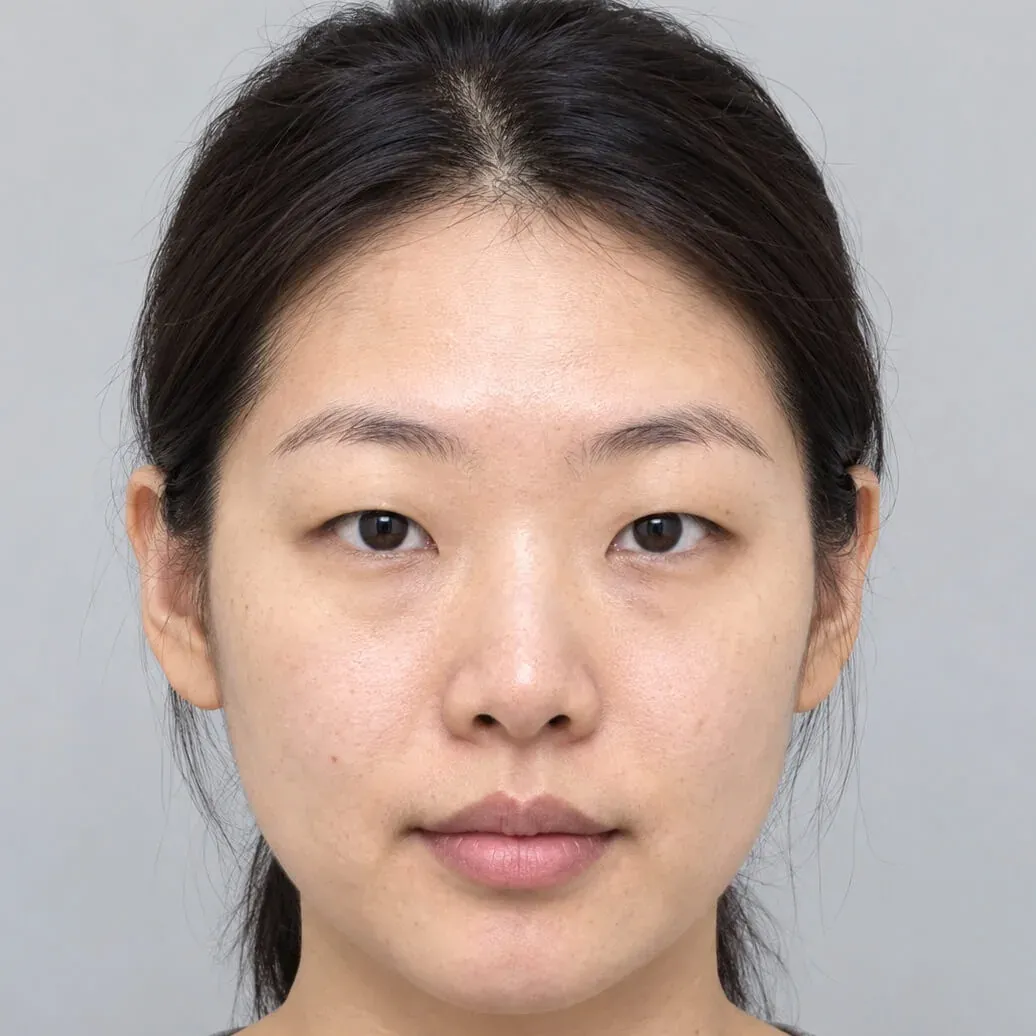
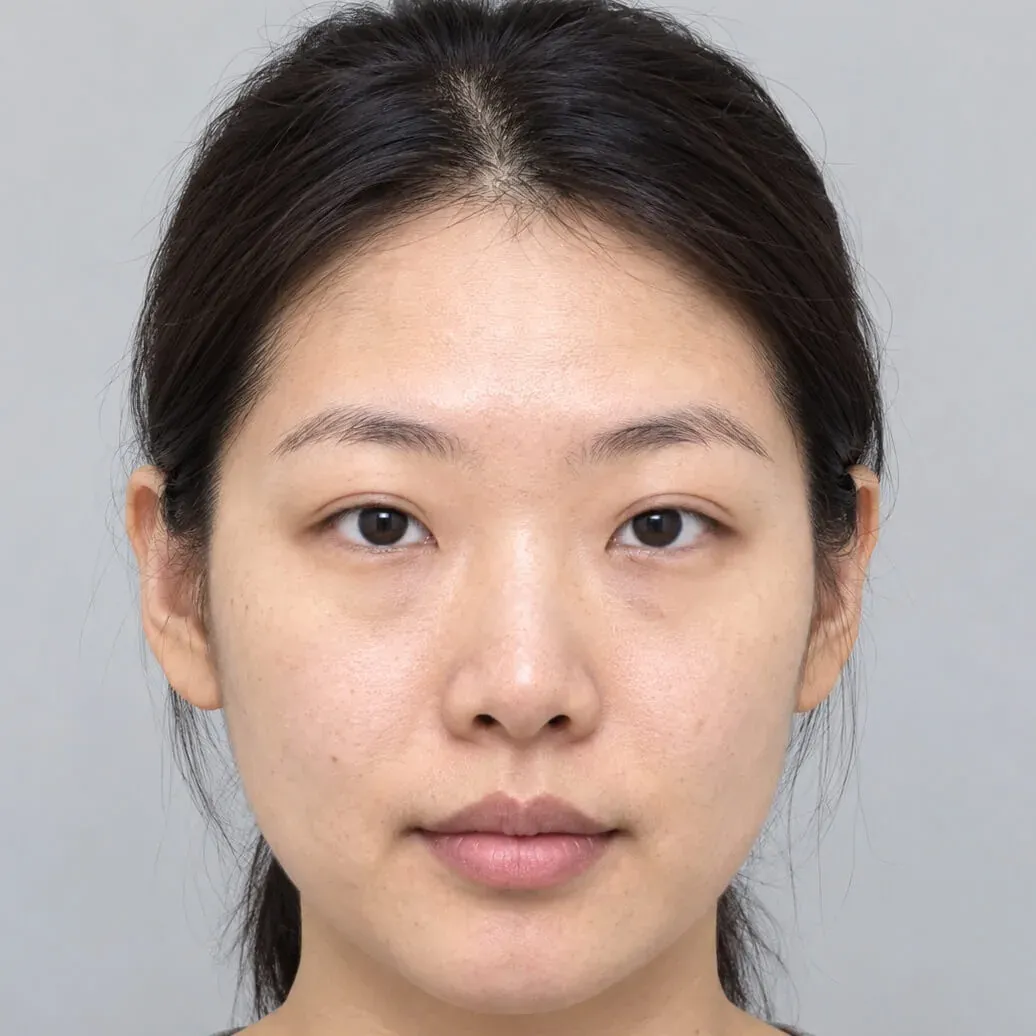 Before Simulation
 Asian eyelid
Upper eyelid crease creation with AI Edit.
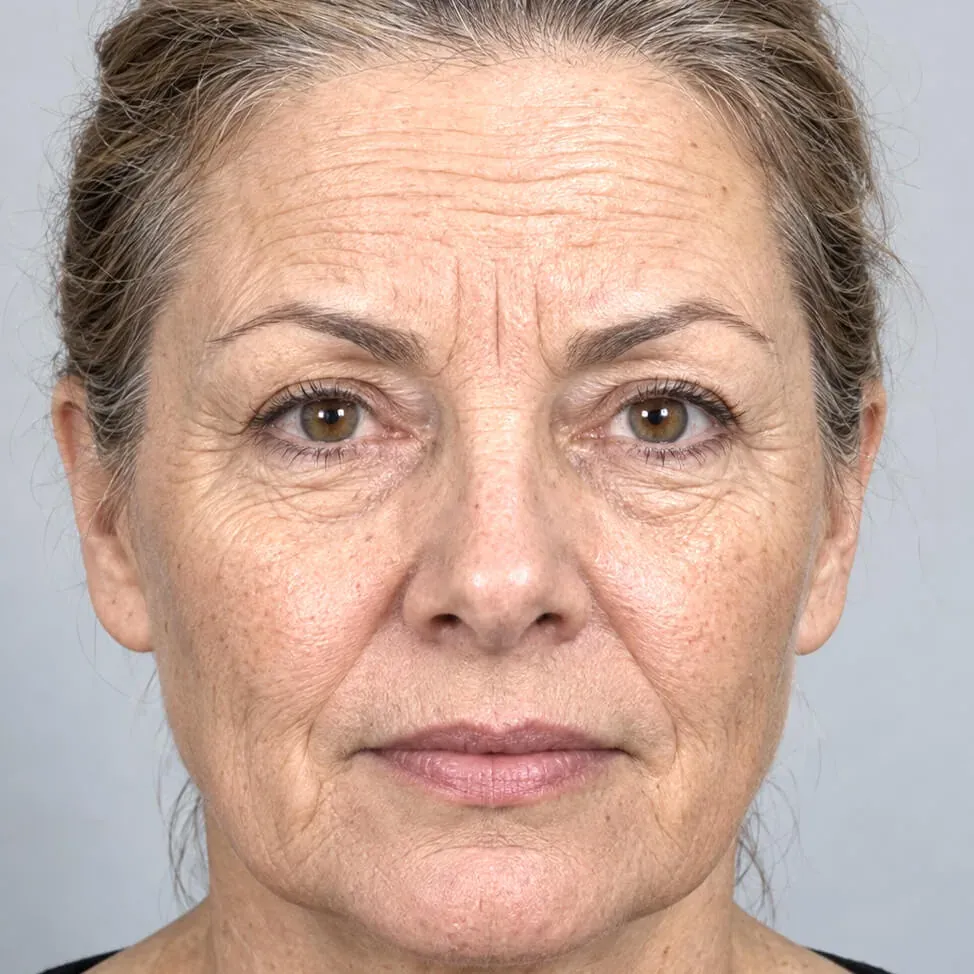
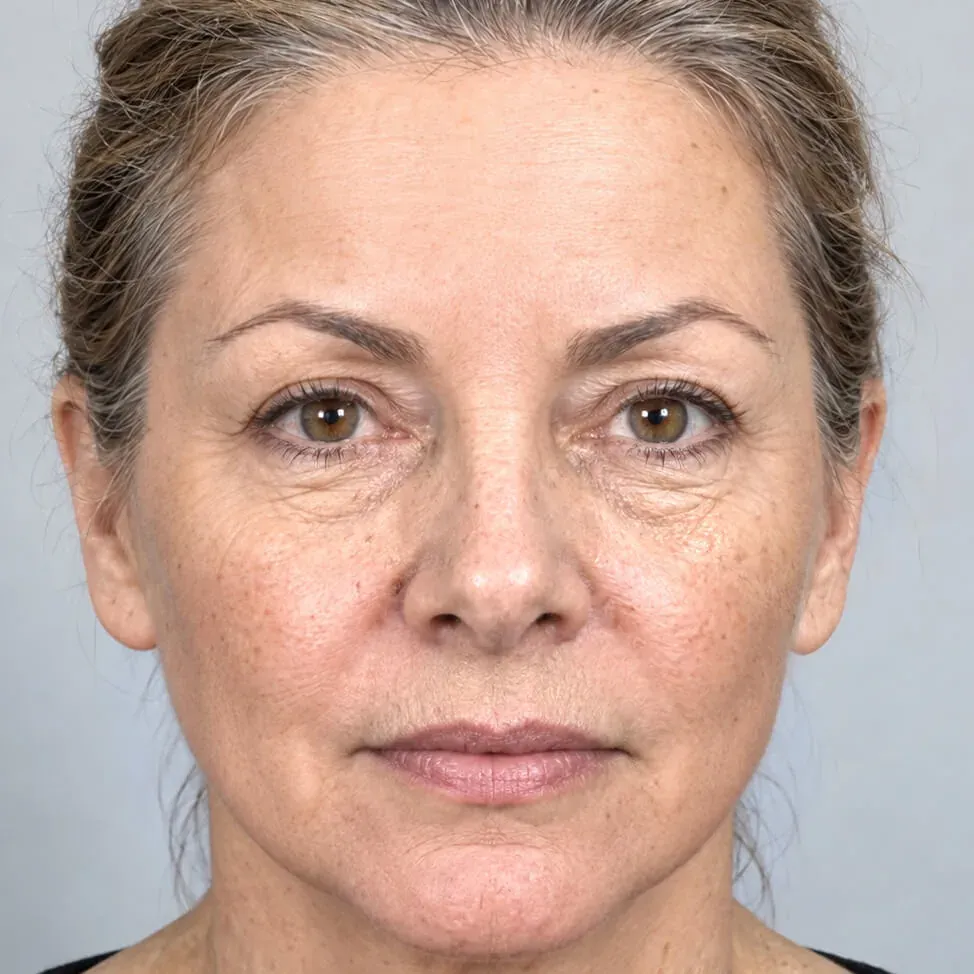 Before Simulation
 Facelift
Lower facelift and upper face Botox, generated in under a minute.
 Before Simulation
 Wrinkles
Wrinkles, moles and scars removed with Spot healing.
Simulations are illustrations made to support a consultation. They are not a prediction or guarantee of a surgical result, which depends on anatomy, technique and healing.
Simulate blepharoplasty on your own patient photos.
Download the complete software and simulate for seven days. No account, no credit card, nothing to cancel. Buy a key from the app or here when you are ready.