

 Français
  Español
  Português (Brasil)
  한국어
한국어  日本語
日本語  Italiano
  Türkçe
  简体中文
简体中文 Double chin removal and submental liposuction simulation
Define the cervicomental angle and clean the jawline in profile, so patients see what neck liposuction or a submental procedure could change.
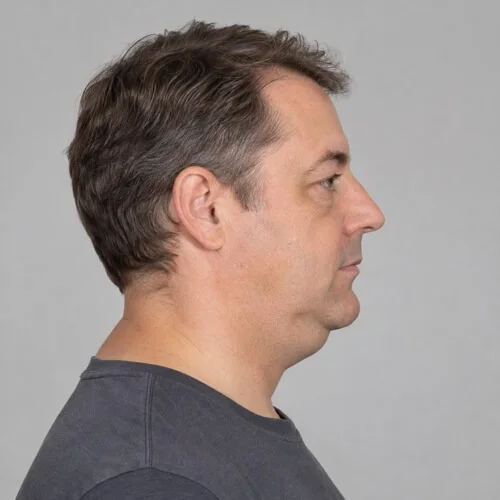
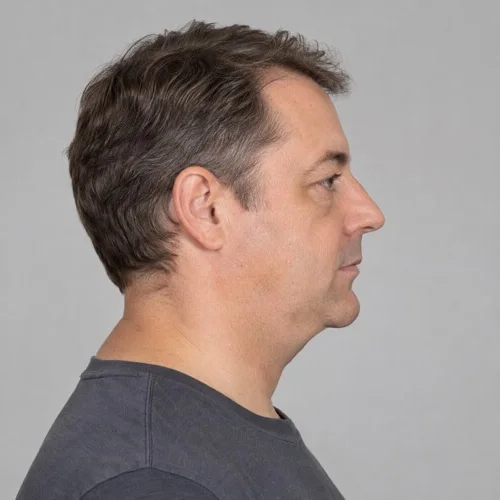
Double chin removal simulated with the Push brushes. Drag to compare.
Double chin removal in three steps
Bring the submental area in
In profile, push the area under the chin inward and upward with short Push strokes.
Redefine the jawline
Follow the mandibular border with small strokes to sharpen the transition between jaw and neck.
Measure the cervicomental angle
Draw it with the Angle tool on the simulation to show the patient the contour you are aiming for.
Tips from practice
- Profile photographs taken at a consistent head position make the change easiest to read.
- For skin laxity, compare with the AI Edit lower face and neck lift simulation.
- Use Comparison to show original and simulation side by side, and Animate to morph between them.
Unlimited, on your computer
Reshaping tools run locally, offline if you like, with no per-image fee. The patient's photo never leaves your computer, and the original is never modified.
- Undo, Redo and the Reconstruct brush to correct any area
- Save, print or share with your practice watermark
- Export the before-and-after morph as an MP4 video
Double chin removal simulation: questions
Can I also simulate a neck lift?
Yes. When skin laxity matters, the AI Edit lower face and neck lift procedure generates a lifted neck and jawline. See the facelift simulator.
Does reshaping change the patient's skin texture?
Reshaping moves the photograph's own skin instead of painting new skin, so pores, freckles, lighting and skin texture stay those of the patient. The original photograph is never modified: it stays one click away in the Original and Comparison tabs.
Often discussed together
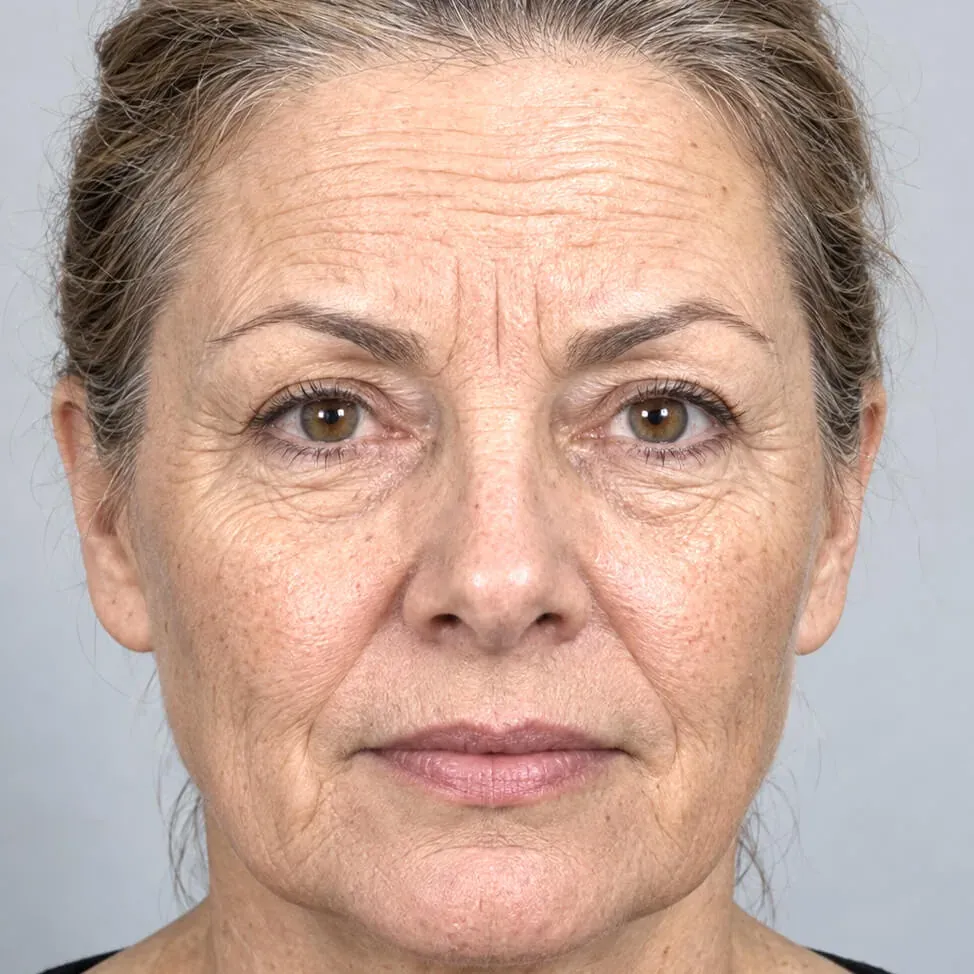
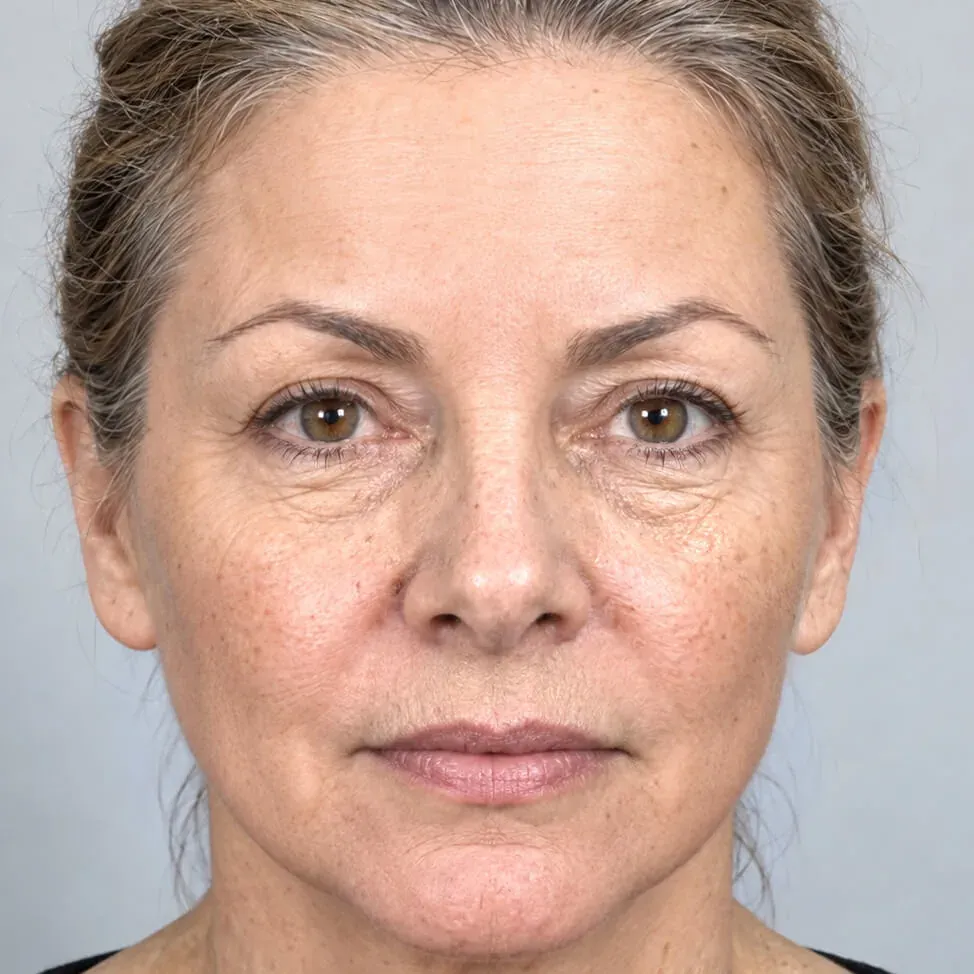 Before Simulation
 Facelift
Lower facelift and upper face Botox, generated in under a minute.
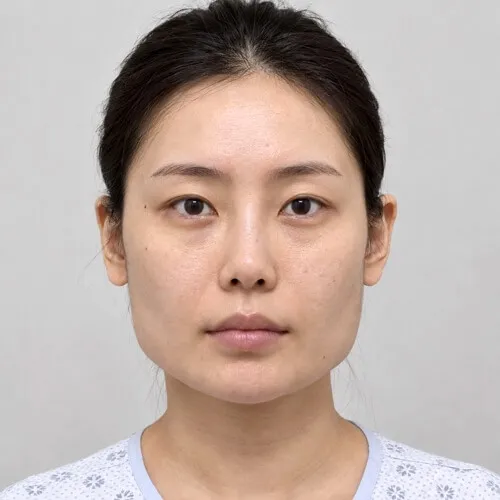
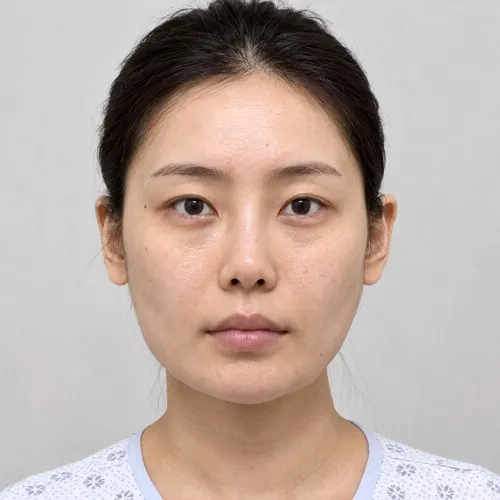 Before Simulation
 Jaw reduction
Jaw angle reduction for a softer facial contour.
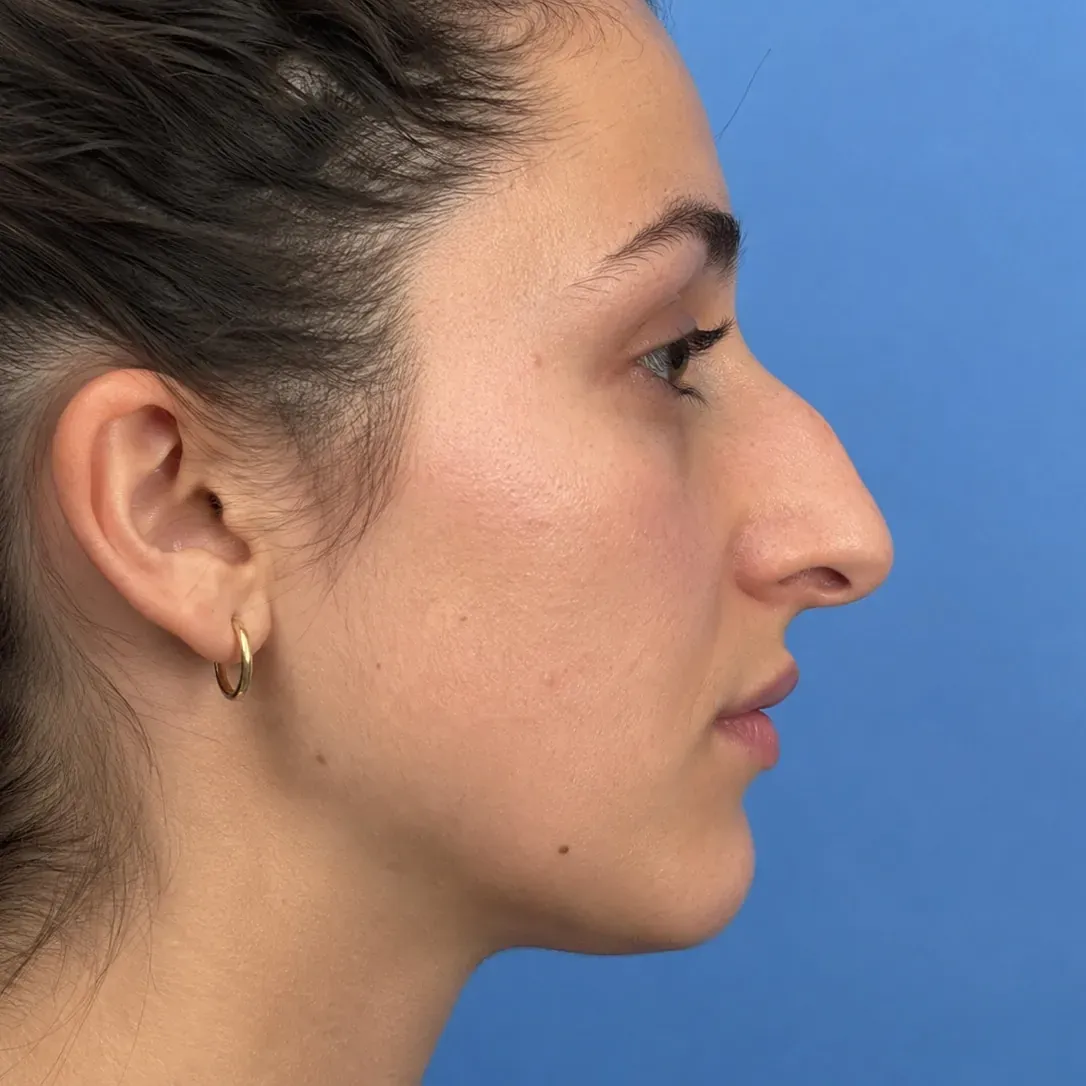
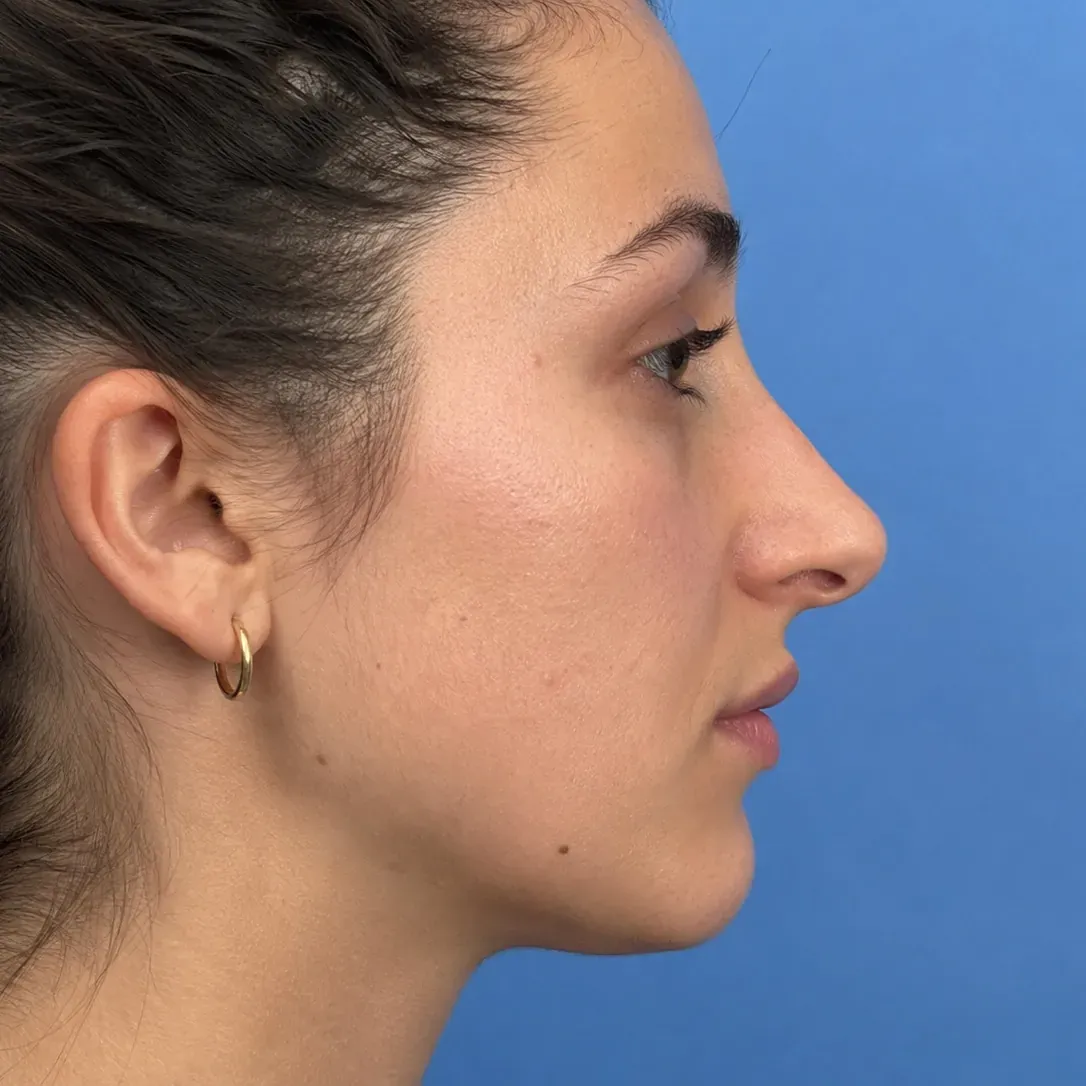 Before Simulation
 Rhinoplasty
Dorsal reduction and tip refinement with Push.
Simulations are illustrations made to support a consultation. They are not a prediction or guarantee of a surgical result, which depends on anatomy, technique and healing.
Simulate double chin removal on your own patient photos.
Download the complete software and simulate for seven days. No account, no credit card, nothing to cancel. Buy a key from the app or here when you are ready.