

 Français
 Español
 Português (Brasil)
 한국어
 日本語
 Italiano
 Türkçe
 简体中文
Liposuction and body contouring simulation
Slim the hips, flanks, thighs or arms and refine the silhouette. Push brings contours in; Shrink reduces localised volume.
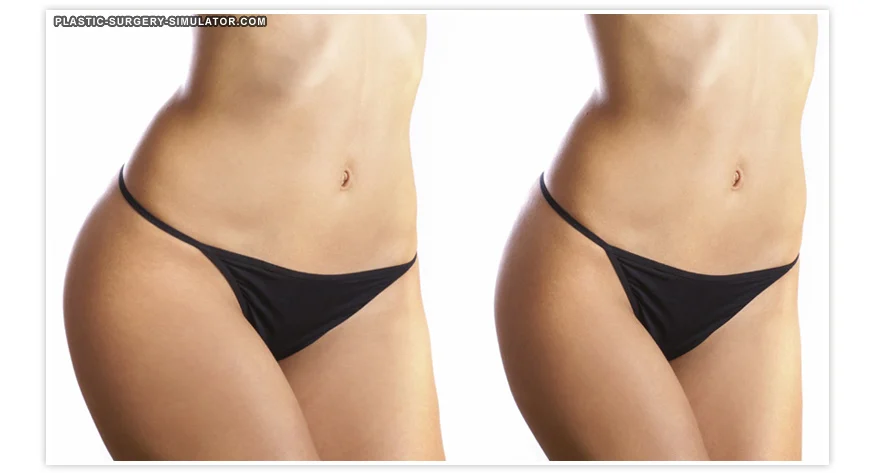
Liposuction in three steps
Bring contours in
Push both flanks or the outer thighs inward with symmetrical strokes.
Reduce local volume
Shrink reduces a localised deposit in small steps.
Compare and save
Review in Comparison and save the result with your practice details.
Tips from practice
- Symmetry matters more than intensity for a natural body contour.
- Use Comparison to show original and simulation side by side, and Animate to morph between them.
Unlimited, on your computer
Reshaping tools run locally, offline if you like, with no per-image fee. The patient's photo never leaves your computer, and the original is never modified.
- Undo, Redo and the Reconstruct brush to correct any area
- Save, print or share with your practice watermark
- Export the before-and-after morph as an MP4 video
Liposuction simulation: questions
Does reshaping change the patient's skin texture?
Reshaping moves the photograph's own skin instead of painting new skin, so pores, freckles, lighting and skin texture stay those of the patient. The original photograph is never modified: it stays one click away in the Original and Comparison tabs.
Often discussed together
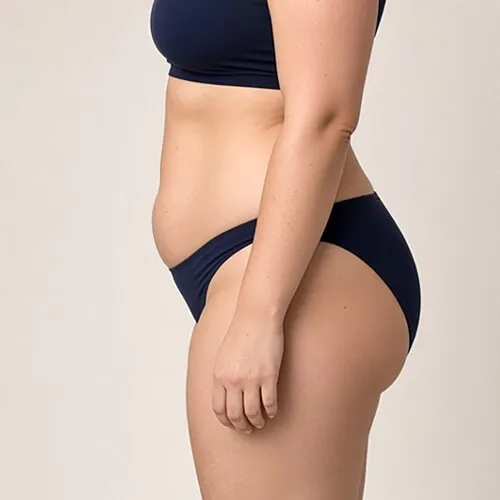
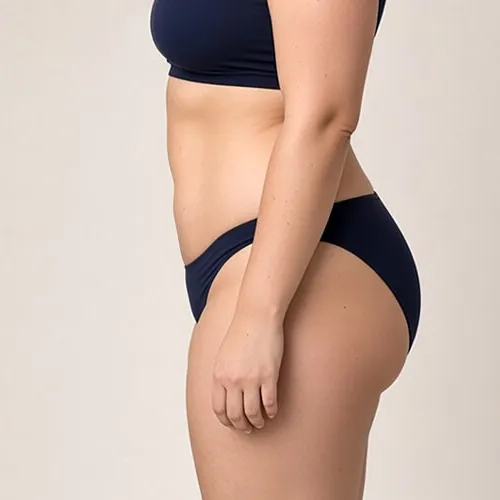 Before Simulation
Tummy tuck
Abdominal wall reduction and waist redefinition.
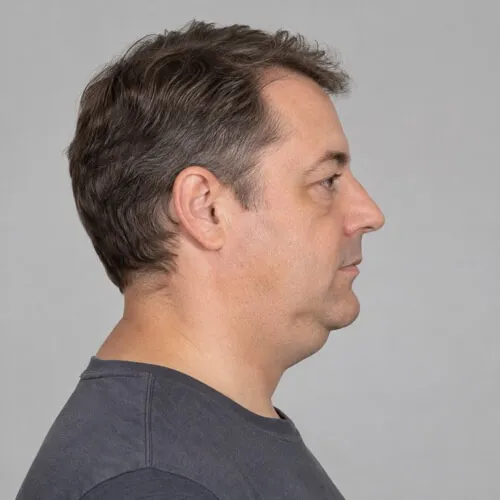
 Before Simulation
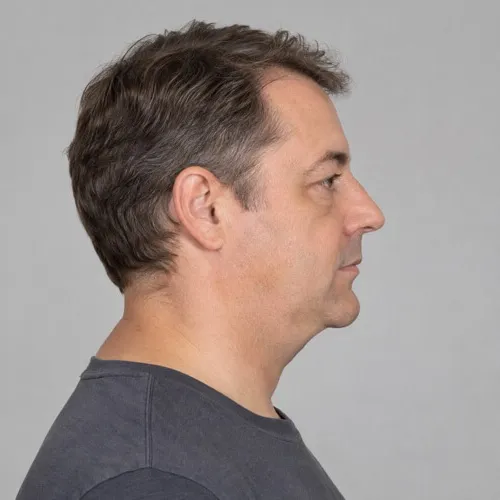
Double chin
Submental contour and a defined jawline.
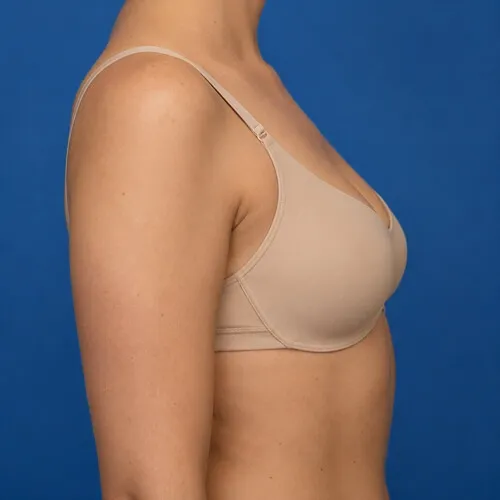
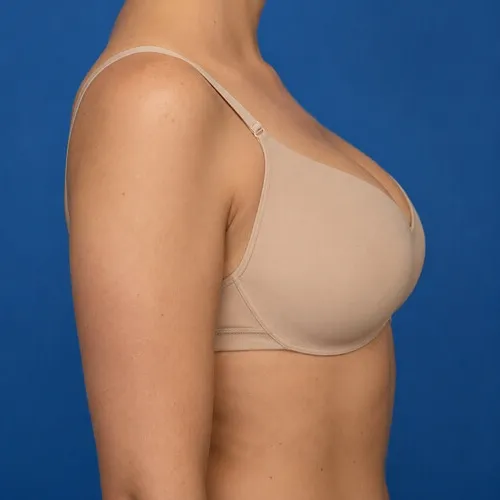 Before Simulation
Breast augmentation
Volume and projection with Grow, reduction with Shrink.
Simulations are illustrations made to support a consultation. They are not a prediction or guarantee of a surgical result, which depends on anatomy, technique and healing.
Simulate liposuction on your own patient photos.
Download the complete software and simulate for seven days. No account, no credit card, nothing to cancel. Buy a key from the app or here when you are ready.